70
Shooting Remotely [Camera control]
3
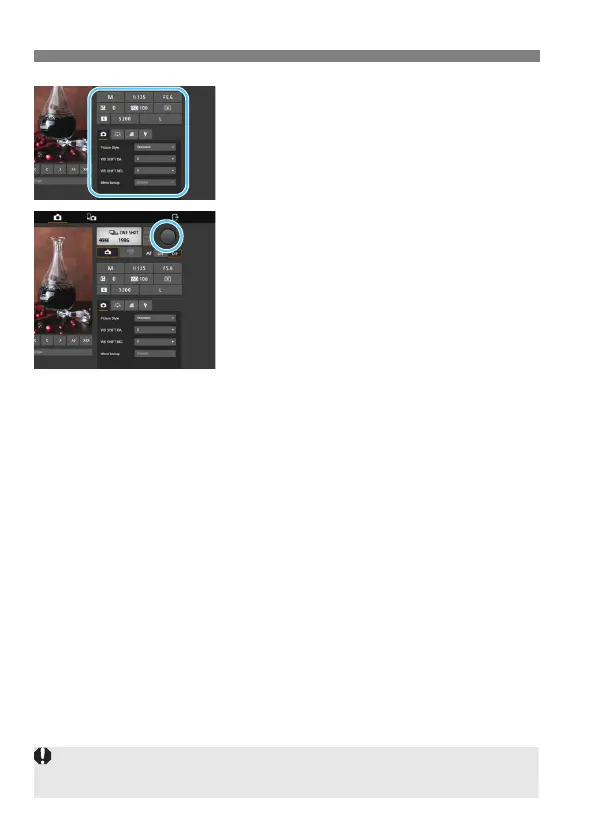
Configure the shooting settings.
Select setting items (such as image-
recording quality) to view the setting
details, which you can configure.
Complete the settings as needed.
4
Take the picture.
Press the Shutter button (6). When
you let go of the button, the picture is
taken.
The captured image is displayed.
Captured images are stored on the
camera’s card.
To download images, see “Viewing
Images” (p.65).
The Live View image may freeze when shooting if the camera is accessed
by multiple devices.



 To Next Page