93
Using the Transmitter with WFT Server
You will need the camera’s IP address and SSID, displayed in step 6, to
connect to the camera from a computer.
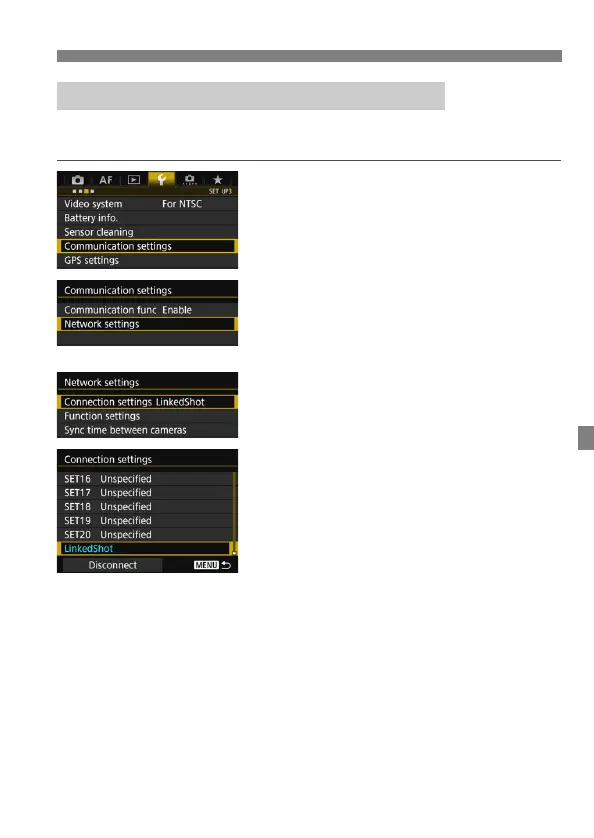
1
Select [Communication settings].
Under the [53] tab, select
[Communication settings], then
press <0>.
2
Select [Network settings].
Set [Communication func] to
[Enable], then select [Network
settings].
3
Select [Connection settings].
4
Select [LinkedShot].
Turn the <5> dial to select
[LinkedShot] at the bottom.
Checking the Camera’s IP Address and SSID



 To Next Page