3
27
English
DISPLAY INDICATIONS
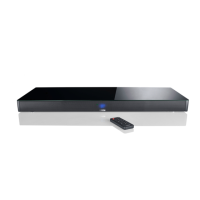
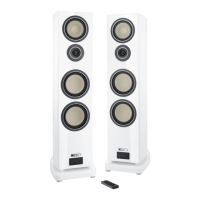
The Smart speakers have an LED status indicator as well as an LED display in
the front of the speakers.
LED status indicator
When you switch on the Smart speakers, the Status LED lights up green. In
standby mode, the Status LED lights up red.
LED display
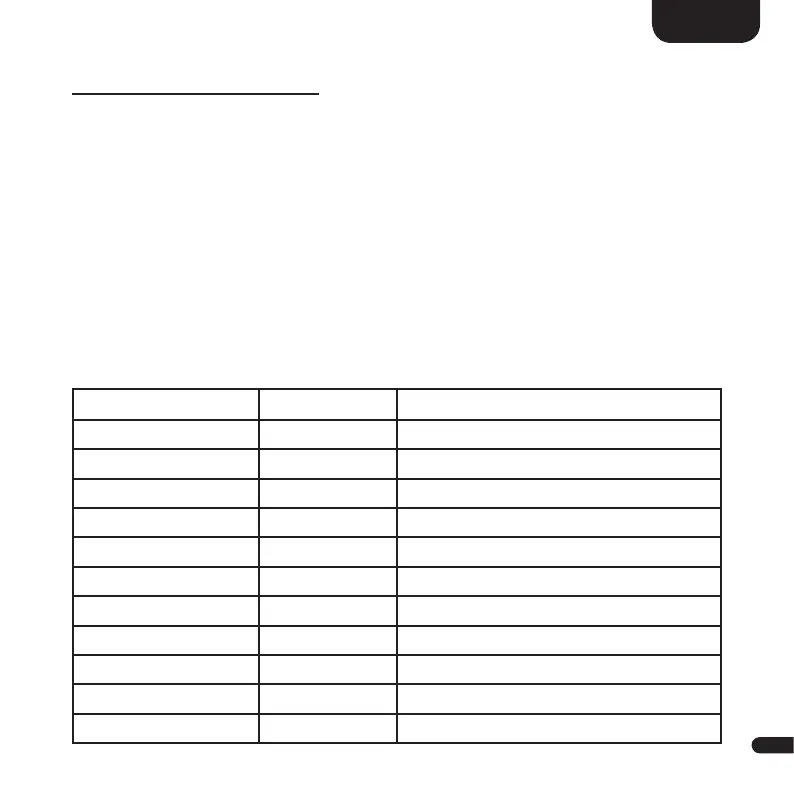
The LED display is located in the front of the Smart speakers and lights up for
five seconds when a command is sent. The most important display indications
and their meanings are listed here:
Function Display Meaning
Input TV Optical digital input selected
Input
DVD
Coaxial digital input selected
Input
PC Computer USB input selected
Input
BT
Bluetooth
®
input selected
Input
XLR
Balanced analog input selected
Input
AUX
Analog line input selected
Sound-Setting
V60
Volume level is set to 60 (of max. 99)
Sound-Setting
- – –
Speaker is muted
Sound-Setting
BAS
Bass tone control selected
Sound-Setting
MID
Midrange tone control selected
Sound-Setting
TRE
Treble tone control selected


 To Next Page