34
English
Note:
• The detailed description of the setting options can be found in the
detailed operating instructions. This can be found at: www.canton.de
PAIRING WIRELESS SPEAKERS
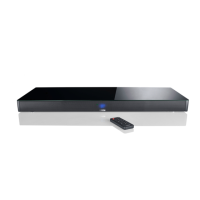
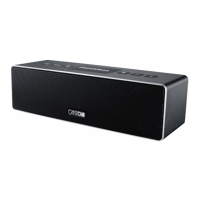
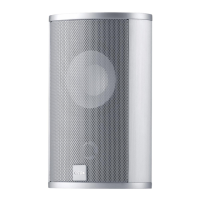
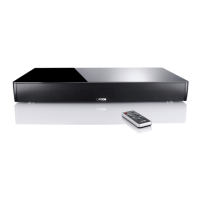
The Canton Smart Series offers you the possibility to pair additional Smart
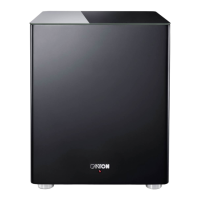
speakers wirelessly. You can expand the system with a wireless subwoofer
and/or other Smart speakers up to a 5.1 set. To pair additional speakers,
please proceed as follows:
Note:
• Before you pair other wireless speakers with the Smart Speaker (Master),
please make sure that the new speaker to be paired is not plugged into
the power supply resp. is switched off with the mains switch.
1
On the Smart Speaker (Master), select the menu item [WIS] / [WIRELESS
SETUP] and press OK on the remote control.
2
Now select the [WSP] function and press OK.
3
Use the up and down arrows
( , )
to select (again) the master speaker:
MFL = Master Front Left MCE = Master Center
MFR = Master Front Right MSR = Master Surround Right
MSL = Master Surround Left
4
To pair another speaker, press OK.
5
Use the up and down arrows
( , )
to select the speaker you want to pair.
The following channels are available:
FL = Front Left CE = Center FR = Front Right
SR = Surround Right SL = Surround Left SUB = Subwoofer
6
Now press the OK button. The display now shows [PIR] /
[PAIRING XXX] (XXX stands for the speaker).


 To Next Page