Messages
50
Helpful Hints
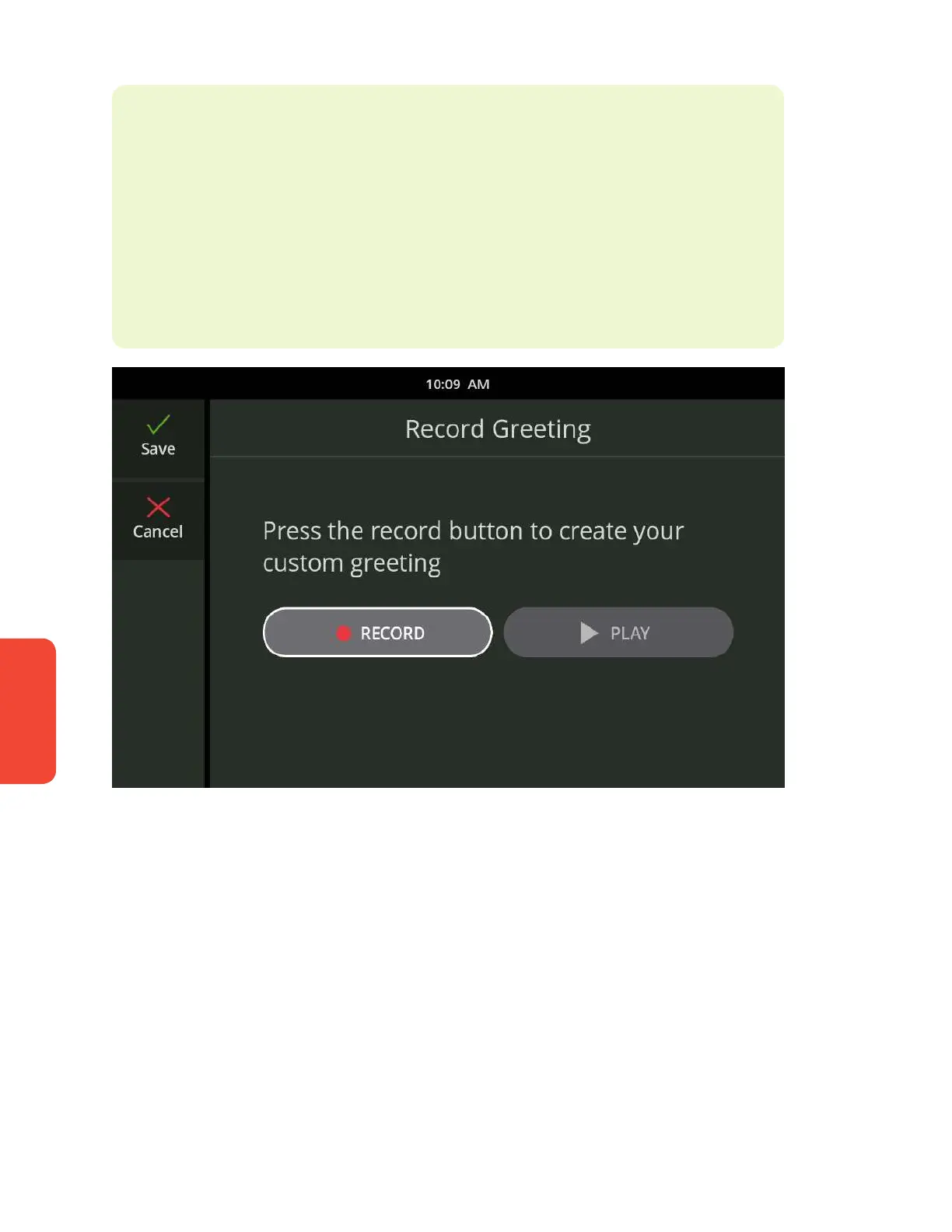
If you want to add your own personal greeting, use the Custom Greeting
option to record your own outgoing message. You can re-record your
greeting at any time. To record a custom greeting, select Custom Greeting.
Then, touch the Record button to begin recording and the Stop button
when you are nished. To listen to your greeting, press the Play button. If
you are satised with your greeting, touch Save.



 To Next Page