Messages
Customer Support 1-877-557-2227 51
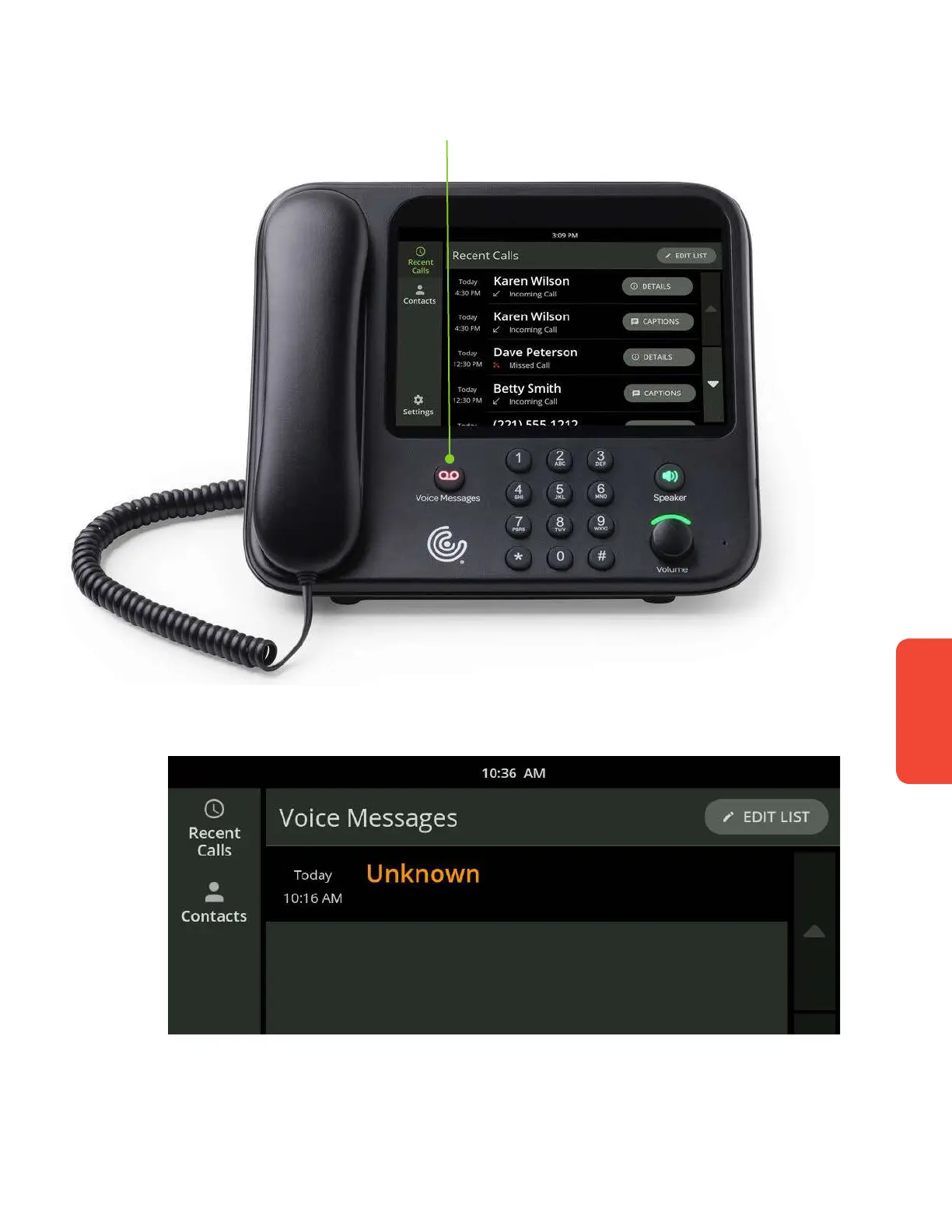
To listen to your messages:
1. Touch the Voice Messages button on the front of the phone.
2. Select a voice message from the list.
3. Your message will now play and be captioned. Plus, you can easily call
someone back right from the Messages screen.



 To Next Page