Cephalometric Modality User guide for CS 8100 Family and CS 8100 3D Family_SM987_Ed02 29
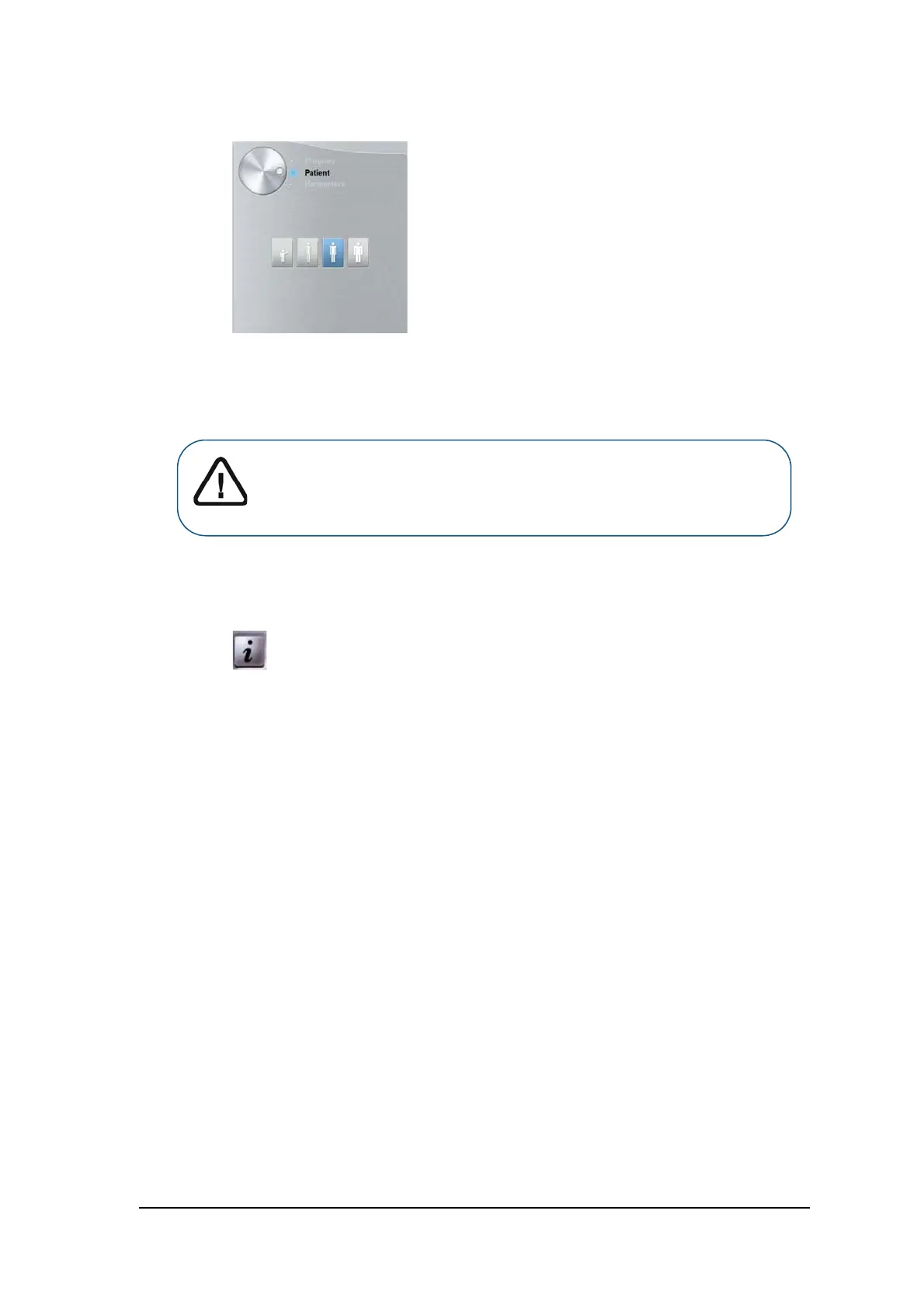
4. Click the Patient button to access the Patient pane.
Select the Patient type:
• Child
• Adult: Small, Medium, Large
5. (Optional) If the default parameter setting is not adapted to your patient type, click the Parameter
button:
• Select the appropriate parameters.
• Click and select Memorize Anatomy setting if you want to save the new parameter
settings as future default settings.
Important: See the CS 8100 Family and CS 8100 3D Family Safety,
Regulatory and Technical Specifications User Guides for information on
radiation protection and recommendations when you select a patient
type especially the pediatric patient.



 To Next Page