44 Chapter 5 Acquiring Images using the Cephalometric Modality
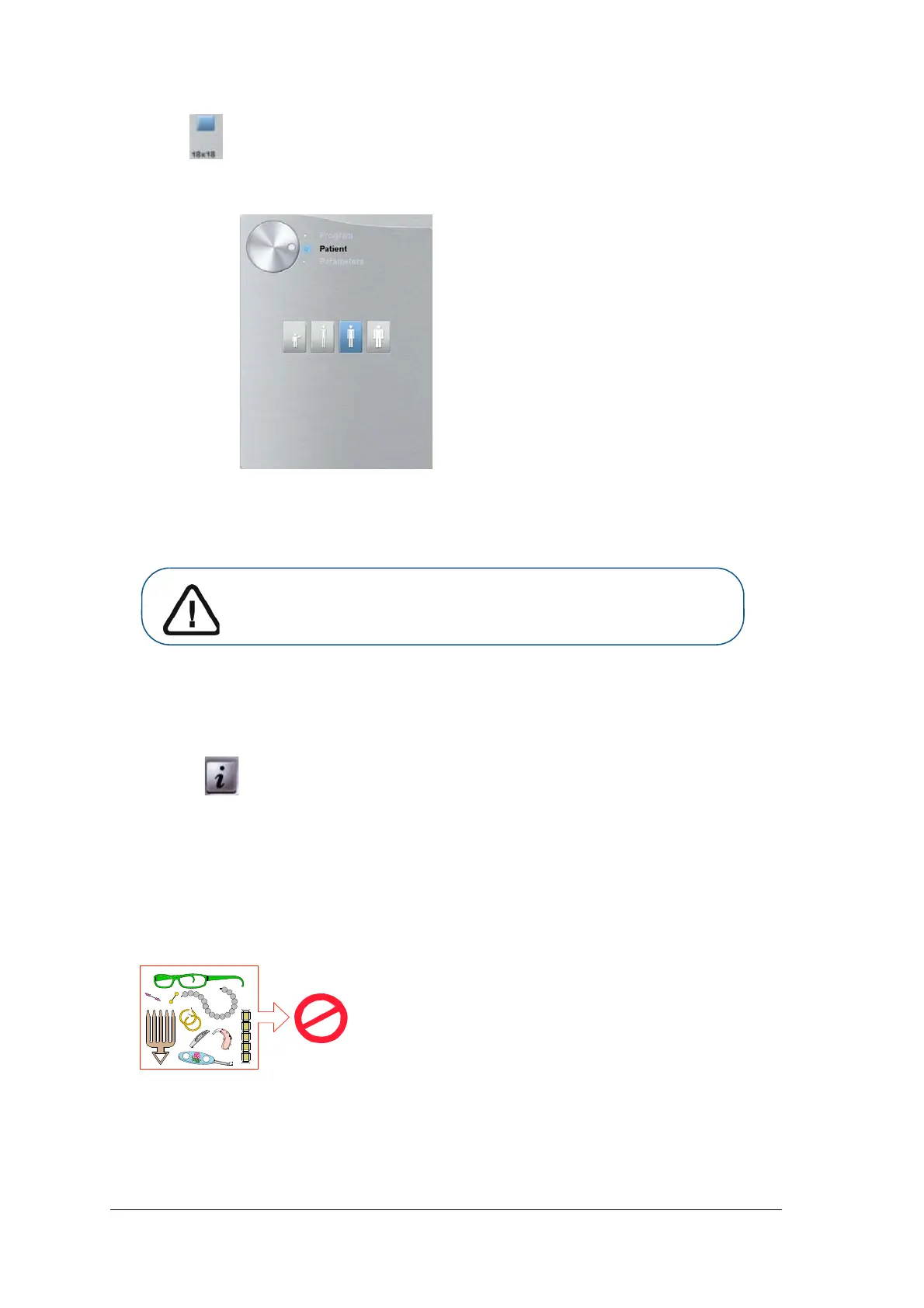
3. Select for an 18 x 18 FoV.
4. Click the Patient button to access the Patient pane.
5. Select the patient type:
• Child
• Adult: Small, Medium, Large
6. (Optional) If the default parameter setting is not adapted to your patient type, click the Parameter
button:
• Select the appropriate parameters.
• Click and select Memorize Anatomy setting if you want to save the new parameter
settings as future default settings.
Preparing and Positioning the Adult and Pediatric Patient
To prepare and position the patient, follow these steps:
1. Ask the patient to remove all metal objects.
Important: See the CS 8100 Family and CS 8100 3D Family Safety,
Regulatory and Technical Specifications User Guides for information
on radiation protection and recommendations when you select a
patient type especially the pediatric patient.



 To Next Page