36 Chapter 5 Acquiring Images using the Cephalometric Modality
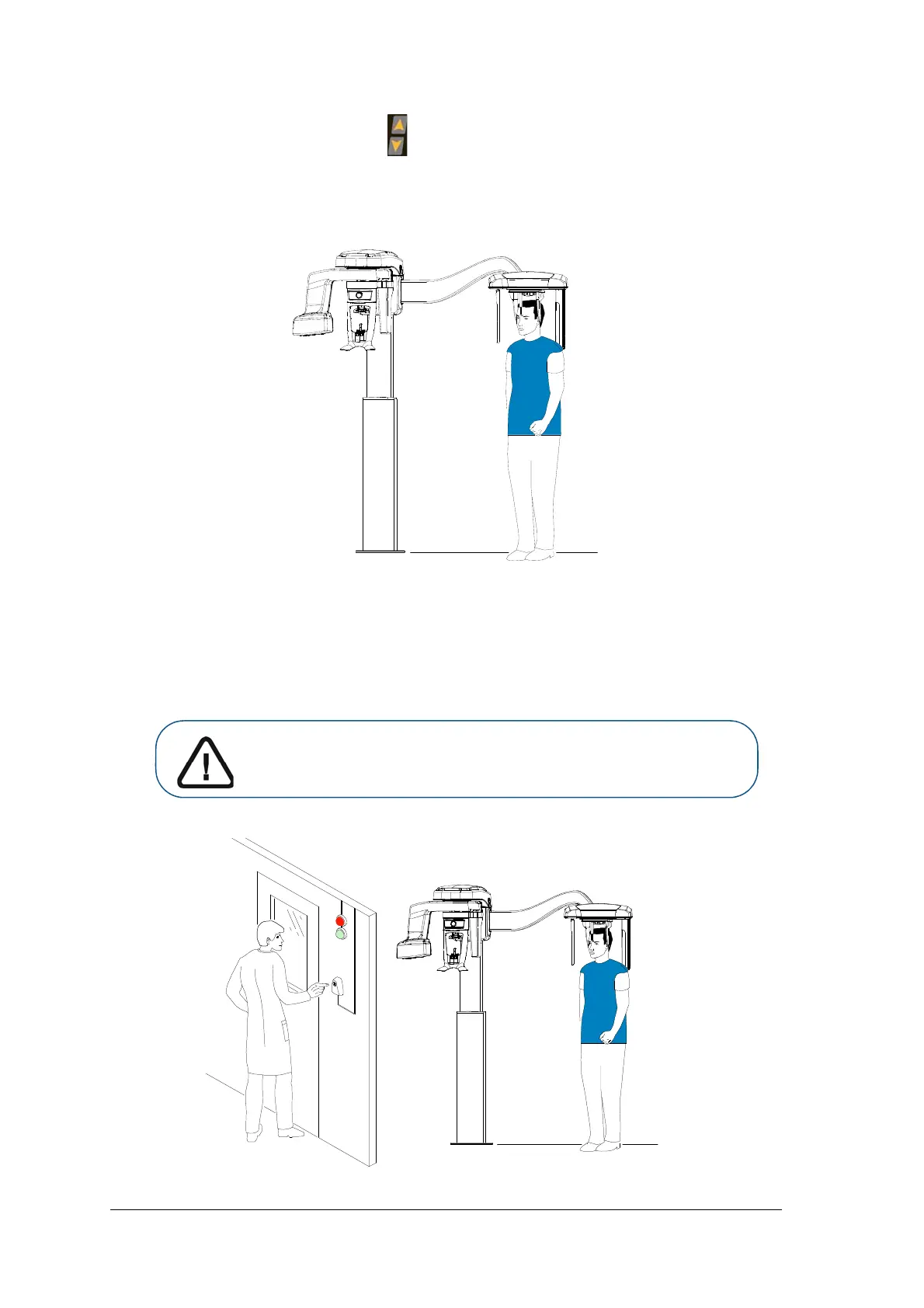
5. On the control panel, press and hold to level the ear cones to the patient’s auditory canals.
6. Gently push in at the top part of a head clamp bar to retract both head clamp bars and to fit the
ear cones into the ear auditory canals.
7. Lower the nasion support to a vertical position.
Launching the X-ray
To launch the X-ray, follow these steps:
1. Leave the X-ray room and close the door. You must keep visual contact with the patient during
acquisition.
Important: If you have a problem that requires you to stop the
acquisition, release the exposure button of the remote control or
press the red emergency stop button.



 To Next Page