EasyManua.ls Logo

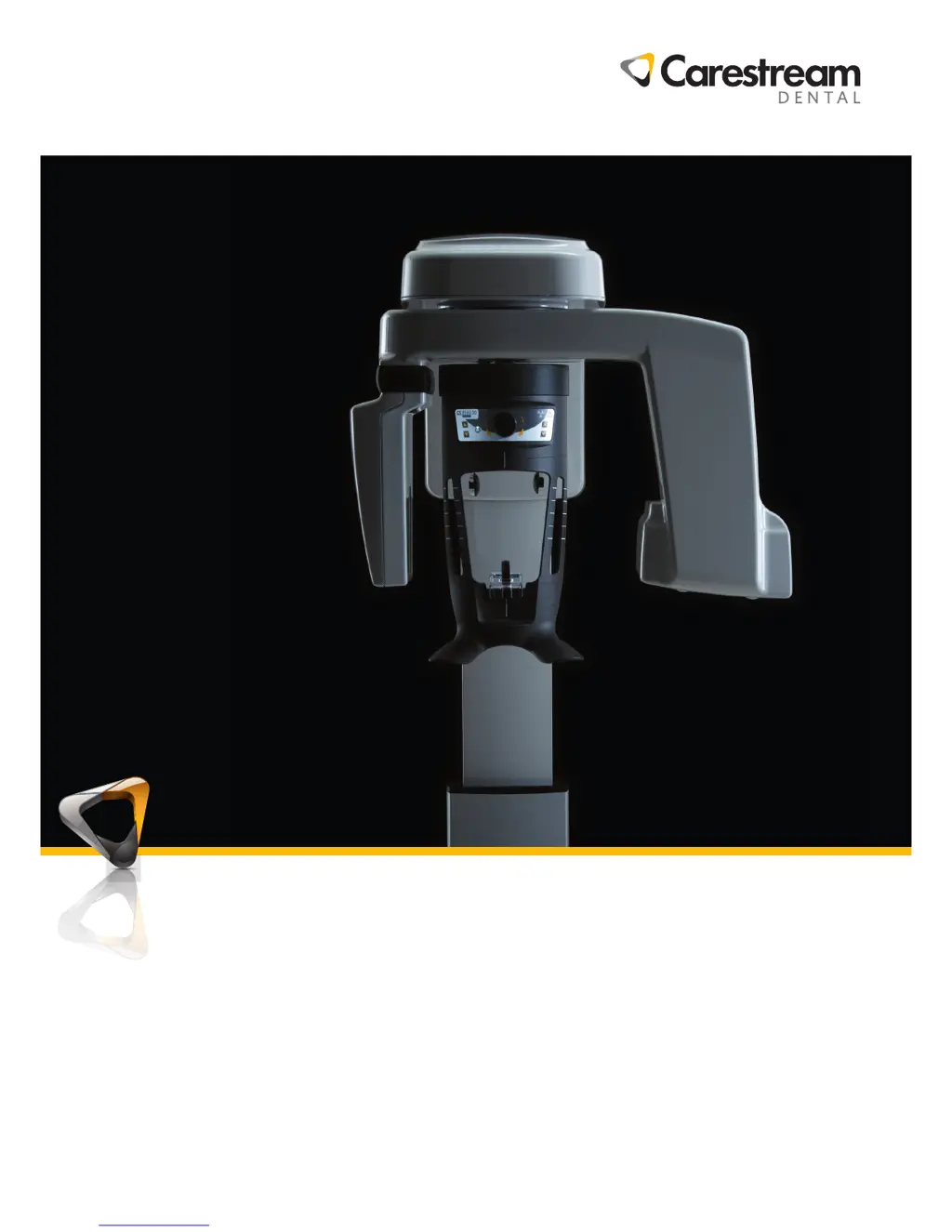
Carestream CS 8100 3D - User Manual

Carestream CS 8100 3D
98 pages
Print Icon
To Next Page IconTo Next Page
Loading...
User Guide
CS 8100 3D Family
CS 8100 3D, CS 8100 3D Access, CS 8100SC 3D, CS 8100SC 3D Access

Table of Contents

Questions and Answers

Summary

Conventions in This Guide

Conventions in this Guide

Explains special messages used in the guide for safety and information.

CS 8100 3 D Overview

Mobile Components

Describes the up/down and rotational movements of the unit.

General Functional Components

Illustrates and lists the primary functional parts of the unit.

Head and Chin Rest

Details the functional components of the head and chin rest assembly.

Positioning Accessories

Lists and describes various accessories used for patient positioning.

Positioning Panel

Explains the console on the head/chin rest for patient positioning.

X-ray Remote Control Overview

Describes the remote control for launching image acquisition.

Imaging Software Overview

Computer System Requirements

Details minimum requirements and configuration for the imaging software.

General Software Overview

Describes the software components and 3D acquisition options.

Imaging Software

Explains the user-friendly interface for image diagnosis.

Acquisition Interface

Introduces the interface for image acquisition.

Getting Started

Switching on the Unit

Steps for powering on the unit and initiating software connection.

Increasing the operating life of the X-ray tube

Procedure to prolong X-ray tube life by running initial cycles.

Firewall or Network Settings

Configuration steps for firewall and network settings for software access.

Accessing the Acquisition Interface

Guide to launching the software and accessing acquisition options.

Acquiring Panoramic Images

Acquiring a Panoramic, TMJ x2, or Sinus Image

Steps for acquiring panoramic, TMJ x2, or sinus images for patients.

Preparing the Unit and Setting Acquisition Parameters

Guide to setting acquisition parameters for panoramic imaging.

Launching the X-ray

Procedure for initiating the X-ray exposure and image capture.

Acquiring 3 D Images

Acquiring a 3 D Image of the Full, Upper and Lower Jaw

Steps for capturing full jaw 3D images for adults and children.

Preparing the Unit and Setting Acquisition Parameters

Guide to setting acquisition parameters for 3D imaging.

Preparing and Positioning the Adult and Pediatric Patient

Instructions for preparing and positioning patients for 3D imaging.

Acquiring a 3 D Focused Teeth Image

Steps for capturing 3D focused teeth images for adults and children.

Launching the X-ray

Procedure for initiating the X-ray exposure for 3D imaging.

3 D Object Acquisition

3 D Object Acquisition Modes (CS Restore, CS Model, Appliance)

Describes acquisition modes for restorative, orthodontic, and surgical workflows.

3 D Object Acquisition Interface Overview

Overview of the interface for 3D object acquisition.

Acquiring CS Restore Objects (Plaster & Impression)

Procedures for acquiring CS Restore plaster and impression objects.

Acquiring CS Model Objects (Plaster & Impression)

Procedures for acquiring CS Model plaster and impression objects.

Acquiring Radiological Guide Images (Patient & Alone)

Procedures for acquiring radiological guide images in mouth or alone.

Acquiring Appliance-Based Images (Calibration)

Procedure for acquiring appliance-based images using calibration phantoms.

Maintenance

Maintenance actions

Describes monthly and annual maintenance tasks.

Controlling the Image Quality

Steps to control and maintain optimal image quality.

Contact Information

Manufacturers Address

Provides the address of the manufacturer, Carestream Health, Inc.

Factory

Provides the address of the factory, Trophy.

Authorized Representatives

Lists authorized representatives in Europe and Brazil.

Carestream CS 8100 3D Specifications

General IconGeneral
CategoryMedical Equipment
TypeCone Beam Computed Tomography (CBCT)
ModelCS 8100 3D
Radiation DoseLow dose protocols available
SoftwareCS Imaging Software
GeneratorHigh-frequency generator
Anode CurrentUp to 10 mA
Focal Spot Size0.5 mm
Imaging TechnologyCBCT
Scan Time5 to 20 seconds (depending on scan mode)
Reconstruction TimeLess than 20 seconds
ResolutionHigh resolution imaging
ApplicationsImplant planning, oral surgery, endodontics, orthodontics
Voxel Size75 μm

Related product manuals