10 Chapter 2 CS 8100 3D Overview
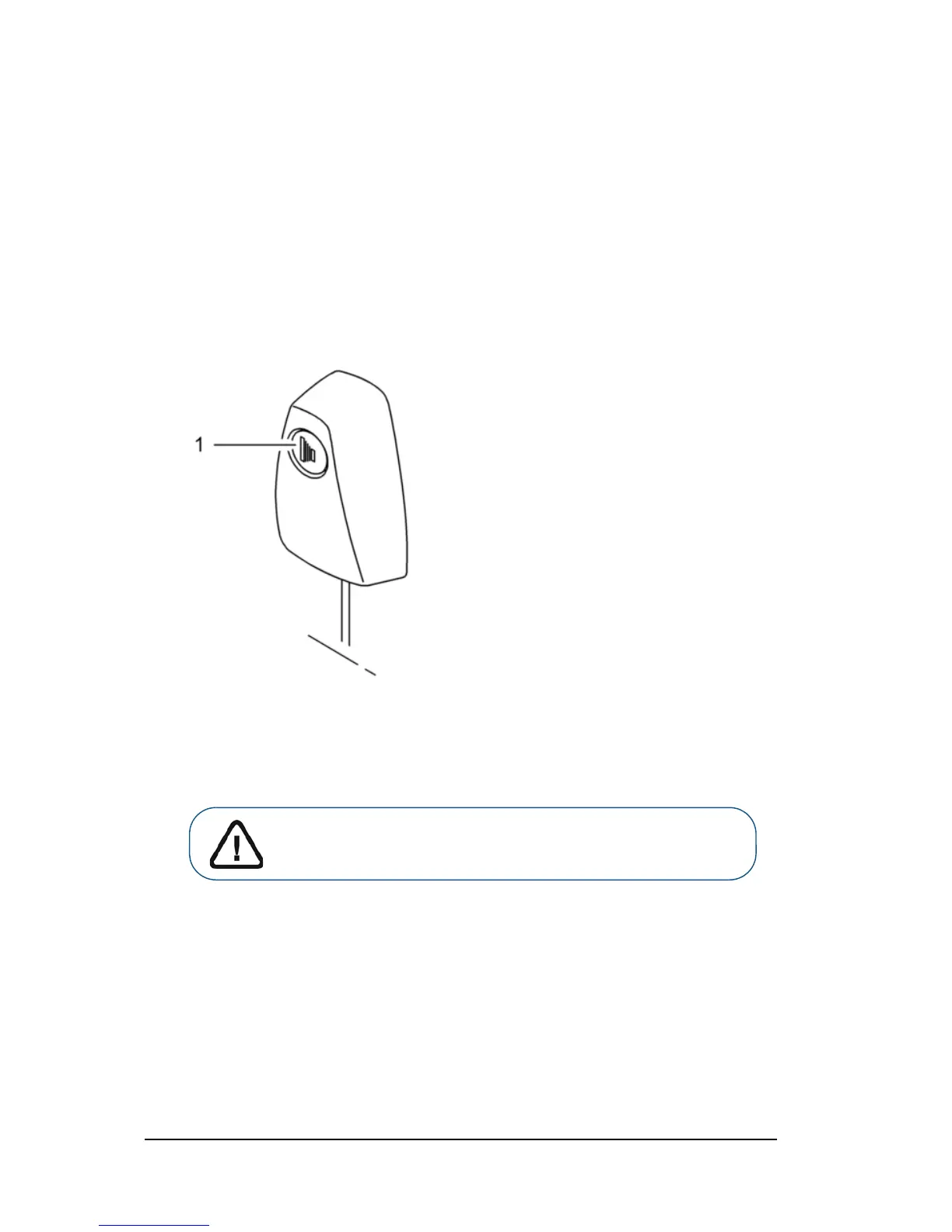
X-ray Remote Control Overview
The X-ray remote control enables you to launch a radiological image acquisition via the
exposure button from outside the X-ray room. You must press and hold the exposure button
until the end of acquisition. Premature release of the exposure button interrupts the
acquisition.
Figure 5 X-ray Remote Control
1 Exposure button: launches image acquisition.
WARNING: X-rays can be harmful and dangerous if not used properly.
The instructions and warnings contained in this guide must be followed
carefully.












 To Next Page