Panoramic and 3D Modality User guide for CS 8100 3D Family (SM842) Ed07 35
Acquiring a TMJ x4 Image for the Adult and Pediatric Patient
Before acquiring an image, check that you have:
• Reset the unit rotative arm to the patient entry position for patient to enter the unit.
• Selected the patient record.
• Accessed the imaging window.
• Accessed the Panoramic Acquisition interface.
Preparing the Unit and Setting the Acquisition Parameters
To set the acquisition parameters, follow these steps:
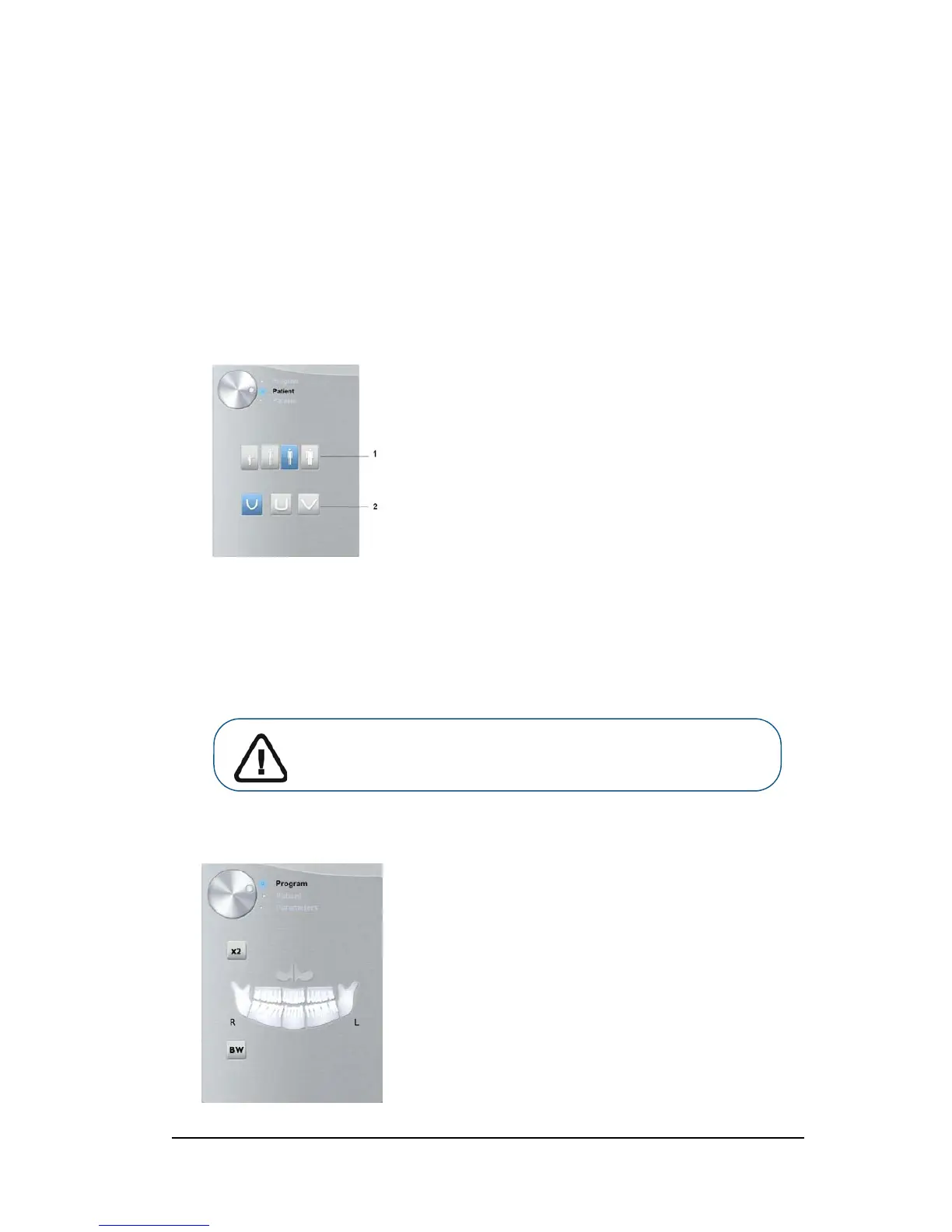
1. In the Panoramic Acquisition interface, click the Patient button to access the Patient pane.
Select the Patient type and Dental arch morphology:
• Type (1):
• Child
• Adult: Small, Medium, Large
• Dental arch morphology (2)
2. Click the Program button to access the Program pane.
Important: See the CS 8100 3D Family Safety, Regulatory and
Technical Specifications User Guide (SM844) for information on
radiation protection and recommendations when you select a patient
type, especially the pediatric patient.












 To Next Page