72 Chapter 7 3D Object Acquisition
Launching the Wax Bite Acquisition
To launch the wax bite acquisition, follow these steps:
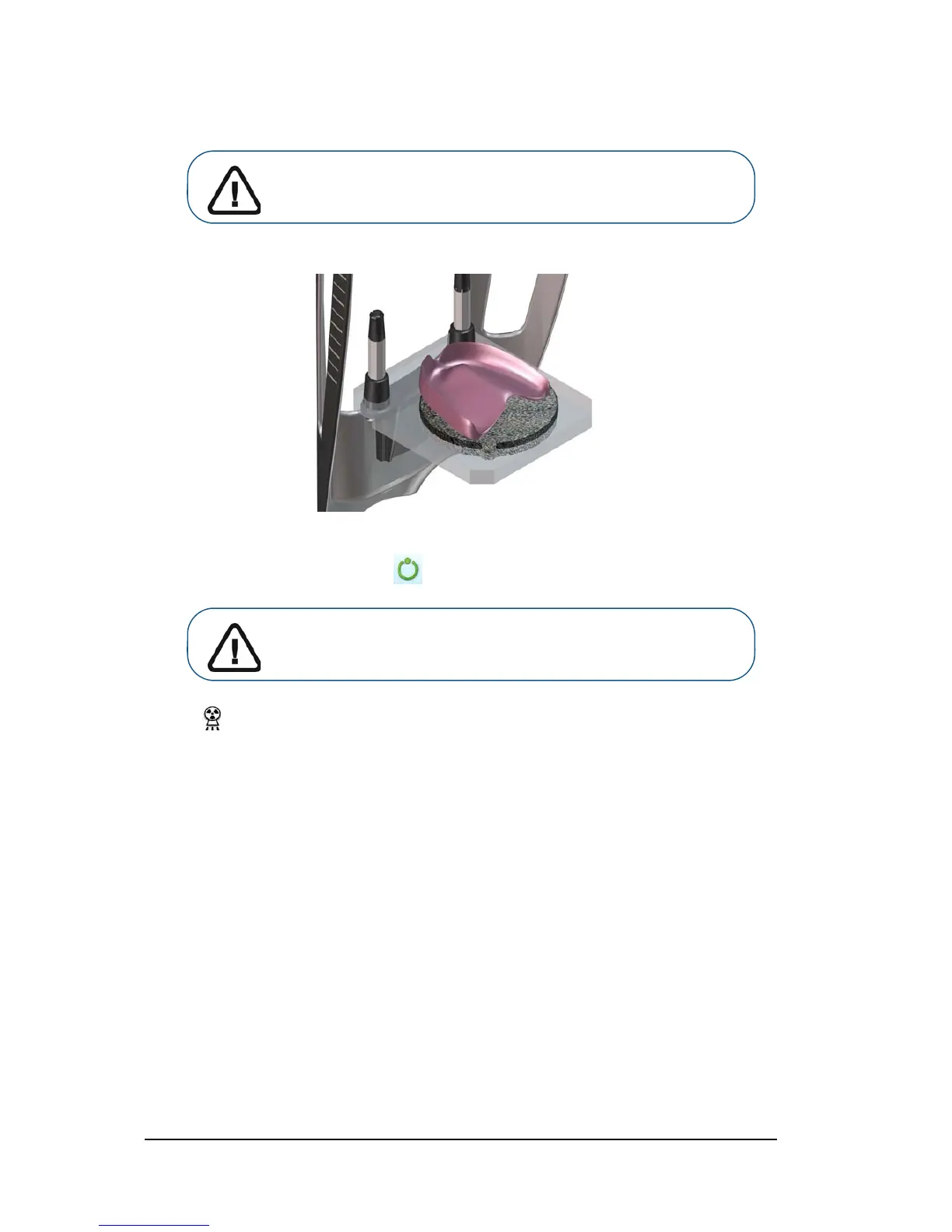
1. Follow the on-screen animated instruction on how to correctly position the wax bite at the center of
the black foam.
2. Leave the X-ray room and close the door.
3. On the Acquisition interface, when is green, press and hold the exposure button of the X-ray
remote control until the end of acquisition.
The indicator in the acquisition interface turns yellow and a warning sound is emitted to
indicate that X-ray emission is in progress.
The acquired image appears in the Preview Screen.
4. Once the wax bite has been scanned, the Acquisition interface closes. Wait for the 3D object
reconstruction.
The completely reconstructed object will display in the image browser.
Important: If you have a problem that requires you to stop the
acquisition, release the exposure button of the remote control or
press the red emergency stop button.












 To Next Page