Panoramic and 3D Modality User guide for CS 8100 3D Family (SM842) Ed07 17
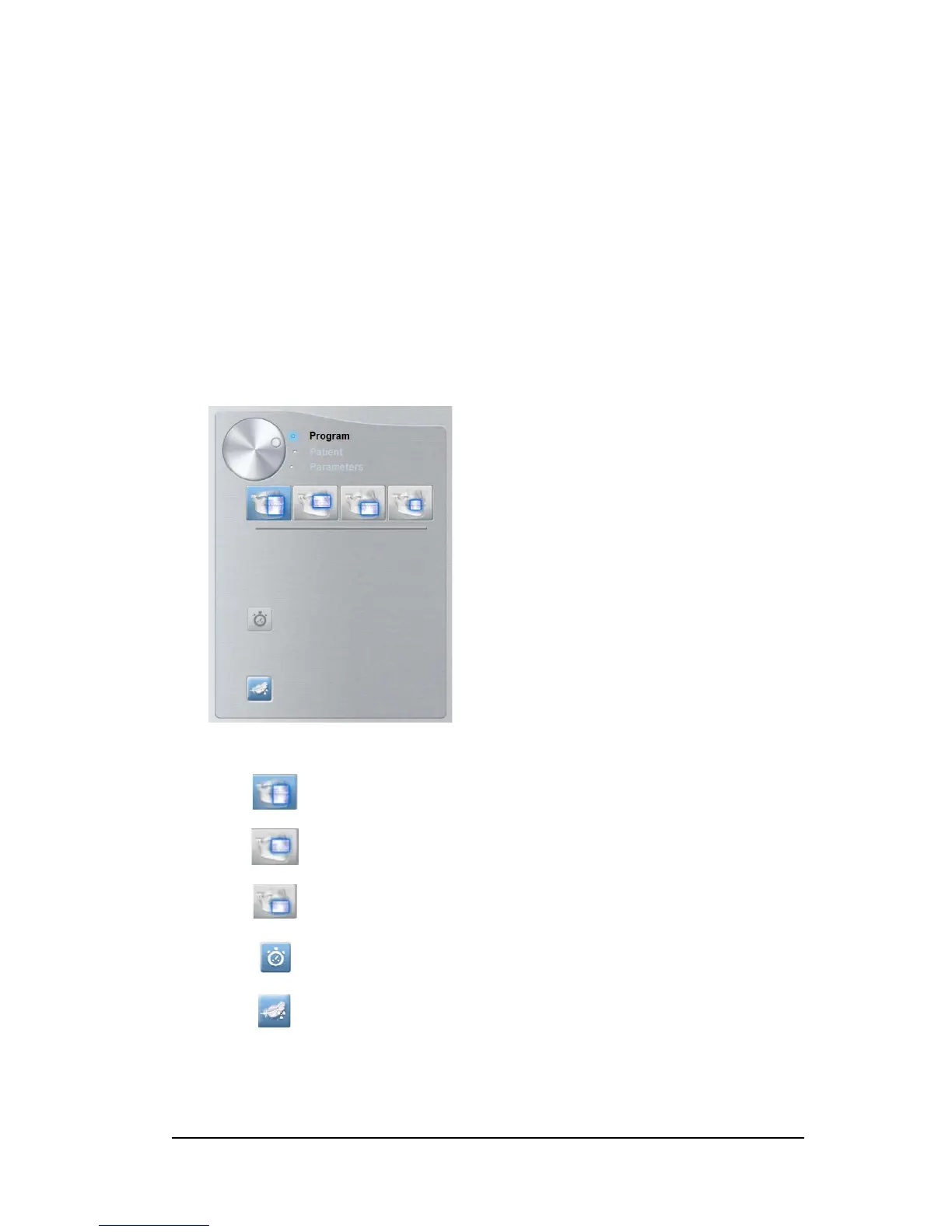
3D Program Pane
The 3D Program pane enables you to choose different radiological exams. See the program
panes below for information on the different radiological exams and their features.
Figure 11 3D Full Upper and Lower Jaw Acquisition*
11 X-ray Emission indicator: Yellow, indicates the X-ray emission status.
12 Low dose acquisition button: Enables low dose acquisition option to reduce patient exposure.
13
Fast scan button:
Minimizes acquisition time to avoid patient movement.
14 3D acquisition option: indicates 3D acquisition option selected: full |upper | lower jaw acquisition, or
focused teeth acquisition.
15 Selector Button: Selects different acquisition setting options.
• Click Program to select examination type options.
• Click Patient to select patient type parameters.
• Click Parameters if you need to manually adjust the exposure parameter options.
3D full upper and lower jaw acquisition:
Full upper and lower jaw exam.
Upper only jaw exam.
Lower only jaw exam.
Fast scan:
Minimizes acquisition time to avoid patient movement.
Low dose: Minimizes the acquisition X-ray dosage.












 To Next Page