Panoramic and 3D Modality User guide for CS 8100 3D Family (SM842) Ed07 15
Parameter Pane
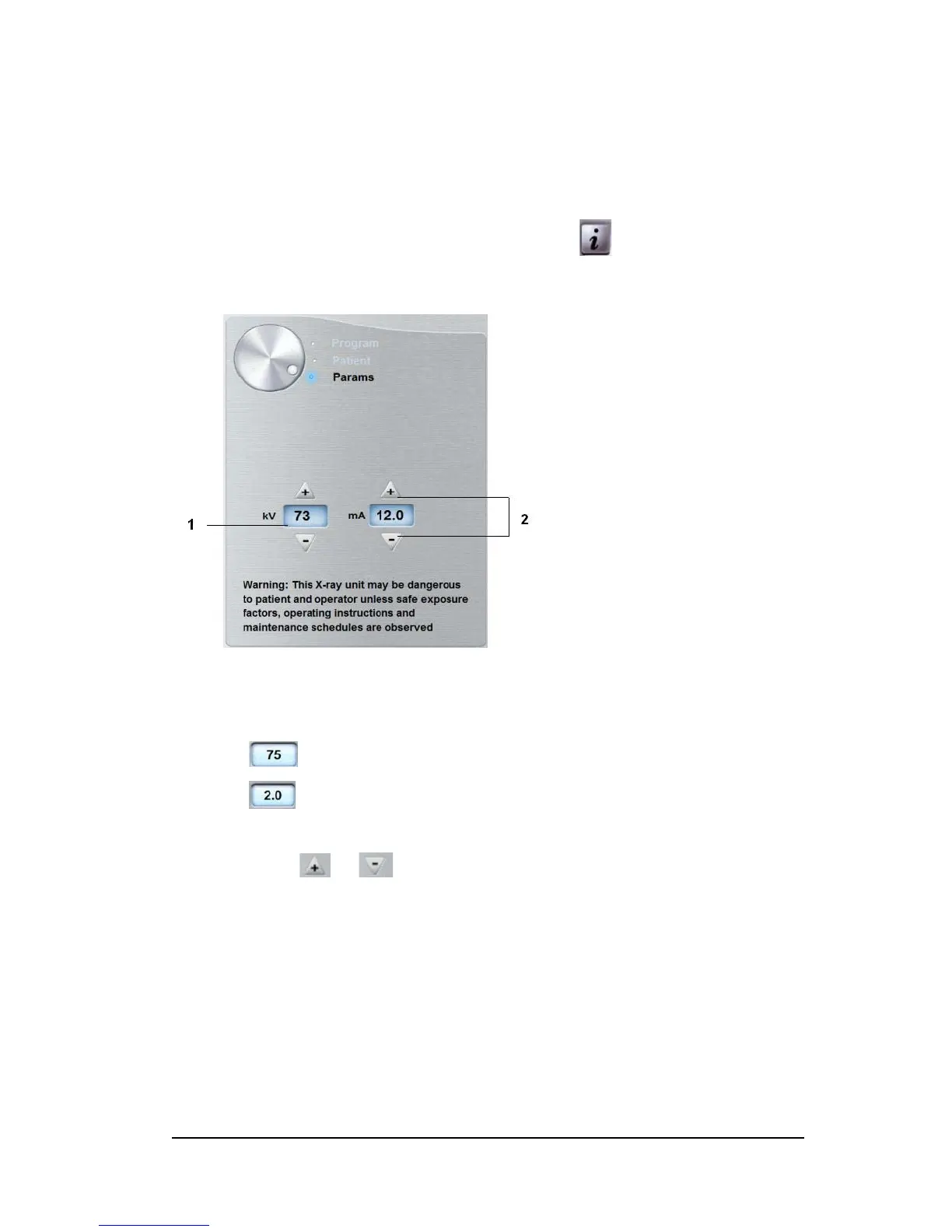
The Parameter Pane enables you to choose exposure parameters for the radiological image
acquisition. If the default parameter setting is not adapted to your patient type, you can
manually adapt the parameter setting to the patient type and save this setting as the default
setting.
To save a parameter setting for a specific patient type, click and select Memorize
Anatomy setting.
Figure 9 Parameter Pane
1
Exposure setting options:
kilovolt
milliampere
2 Fine-tuning buttons:
Click or to fine-tune the kV and the mA.












 To Next Page