20 Chapter 3 Imaging Software Overview
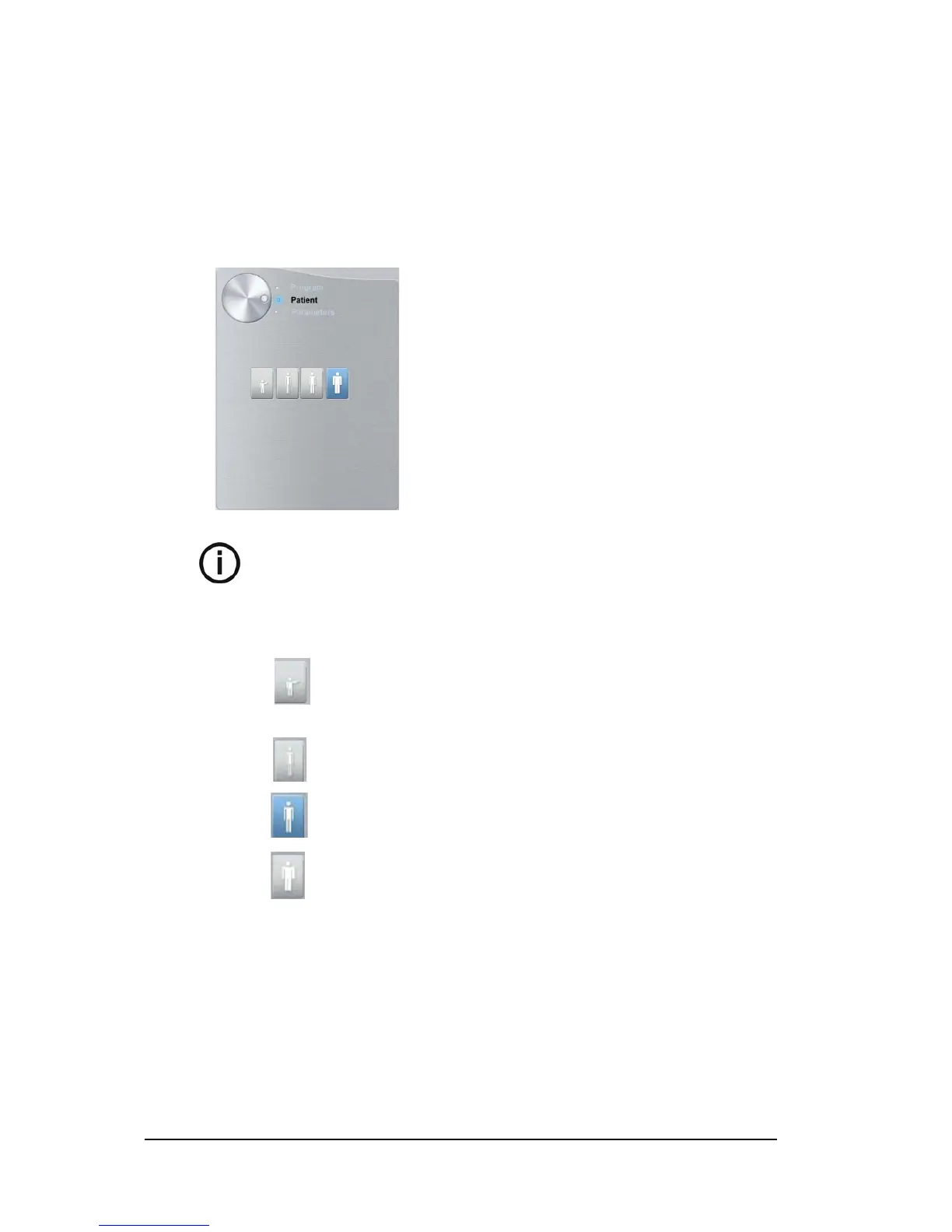
3D Patient Pane
The Patient pane enables you to choose and select the different patient parameters. The
selected parameters for a patient influences the image quality because the default kV and mA
exposure settings are set for the selected patient mode.
The selected parameters must be based on the age and morphology of the patient.
Figure 13 Patient Pane
Note: A selected patient mode sets the kV and mA.
Patient type parameters:
Pediatric mode:
Click if the patient is a child.
Adult mode:
Click if the patient is small.
Click if the patient is medium.
Click if the patient is large.












 To Next Page