58 Chapter 7 3D Object Acquisition
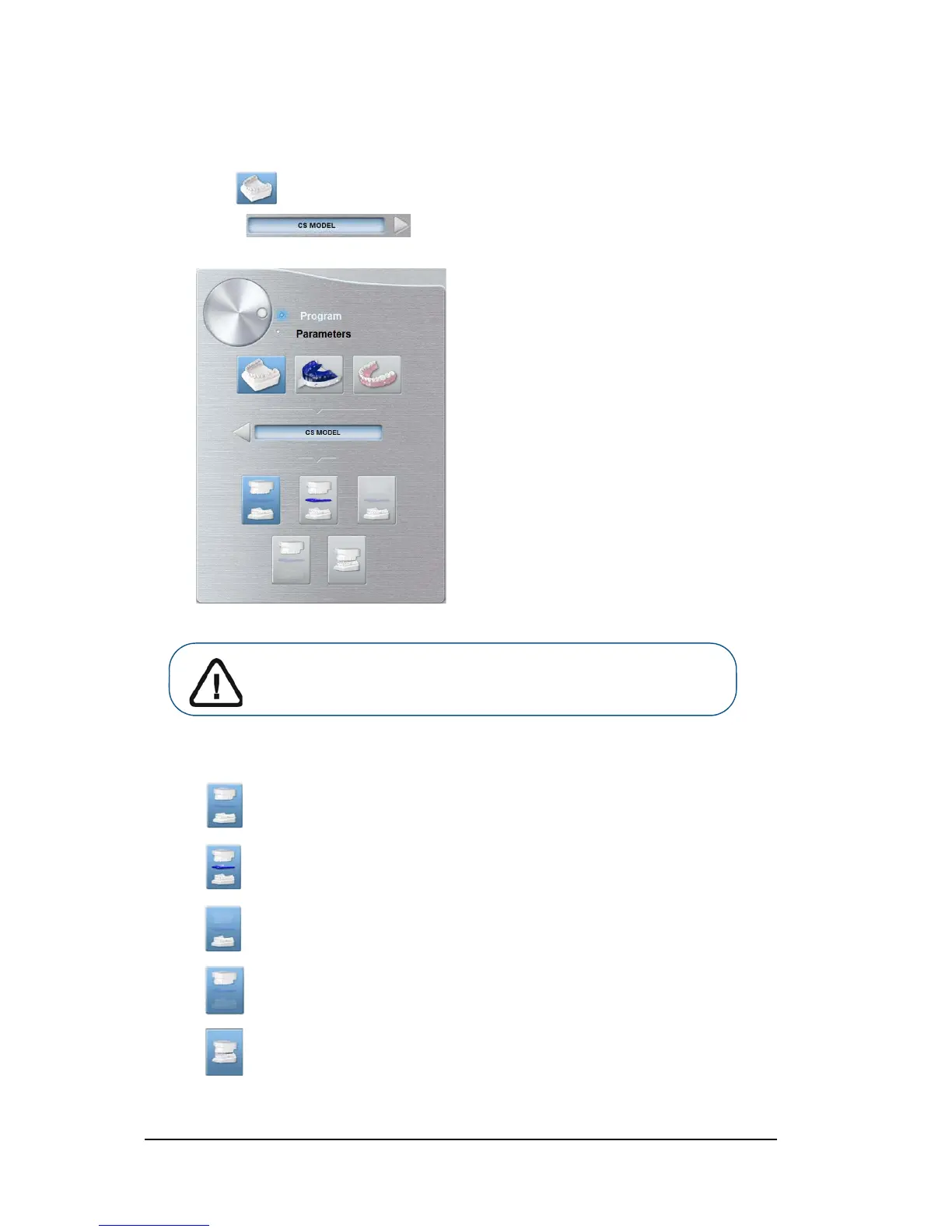
CS Model: Plaster Pane Overview
The CS Model plaster program pane becomes active when you:
• Click .
• Select .
Click for the full jaw mode.
Click for the full jaw mode with wax bite.
Click for the lower jaw mode.
Click for the upper jaw mode.
Click for the lower and upper jaw in occlusion mode.
Important: To have a true occlusion alignment of the full jaw mode,
make sure that the rear ends of both the occlusion models are cut
flat. If they are not, you must select the full jaw mode with wax bite.












 To Next Page