56 Chapter 7 3D Object Acquisition
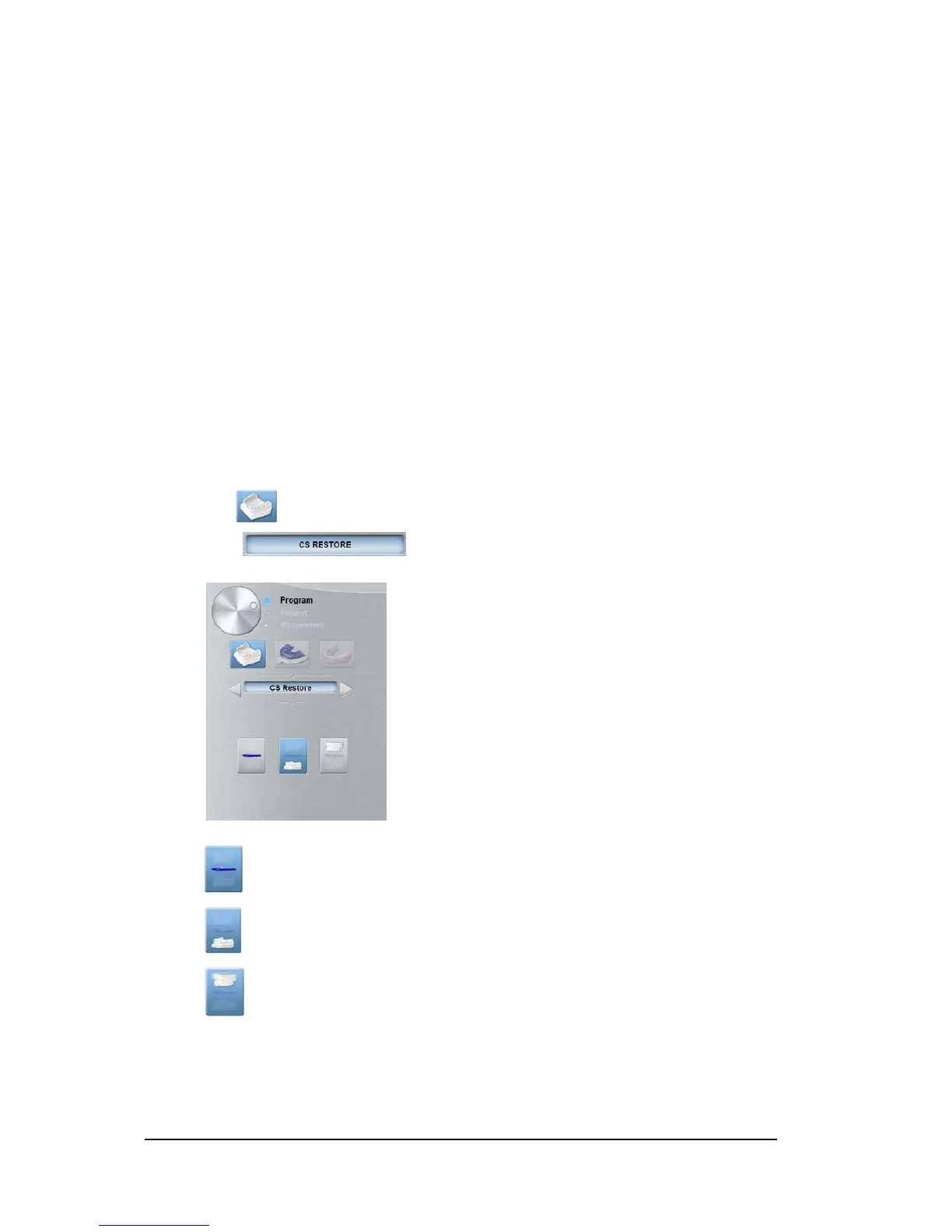
CS Restore: Plaster Pane Overview
• Click .
• Select .
10 Exit button: Closes the Acquisition interface.
11 X-ray Emission indicator: Yellow indicates that X-ray emission is in progress.
12 Acquisition Options: Provides the various acquisition scenarios.
13 Acquisition Export Mode: Provides one of the following acquisition export modes to view the
acquired images:
• CS Restore.
• CS Model.
• Appliance.
14 Acquisition Mode:
• Plaster button.
• Impression material button.
• Radiological Guide button.
15 Selector button:
• Program: To select the capture option.
Click for the triple tray impression mode.
Click for the lower jaw mode.
Click for the upper jaw mode.



 To Next Page