Panoramic and 3D Modality User guide for CS 8100 3D Family (SM842) Ed07 59
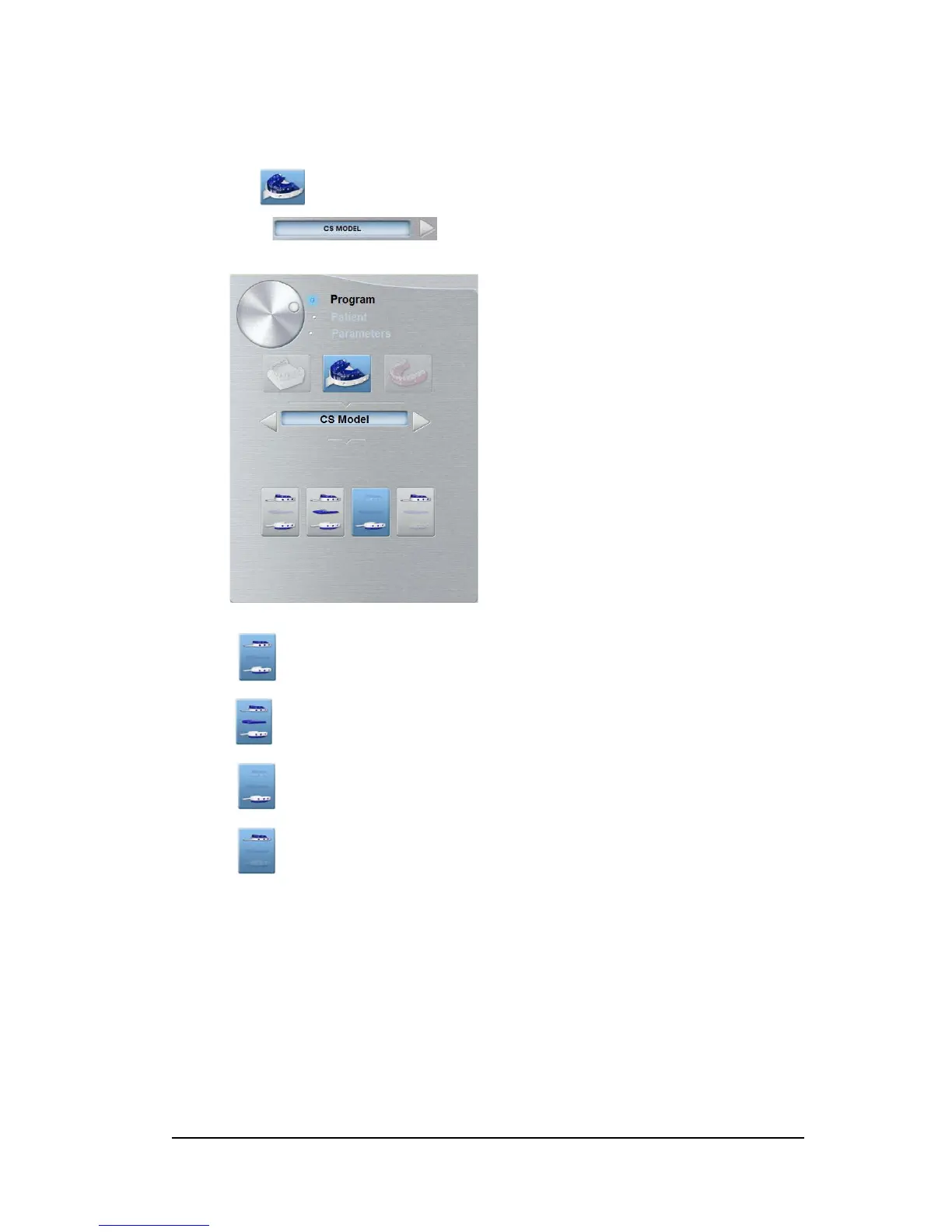
CS Model: Impression Material Pane Overview
The CS Model impression material program pane becomes active when you:
• Click .
• Select .
Click for the full jaw mode.
Click for the full jaw mode with wax bite.
Click for the lower jaw mode.
Click for the upper jaw mode.












 To Next Page