24 Chapter 4 Getting Started
Firewall or Network Settings
You will not be able to access the Acquisition interface if you did not configured the firewall or network
settings.
To configured the firewall or network settings, follow these steps:
1 On your desktop, double-click to open the CS Imaging Software.
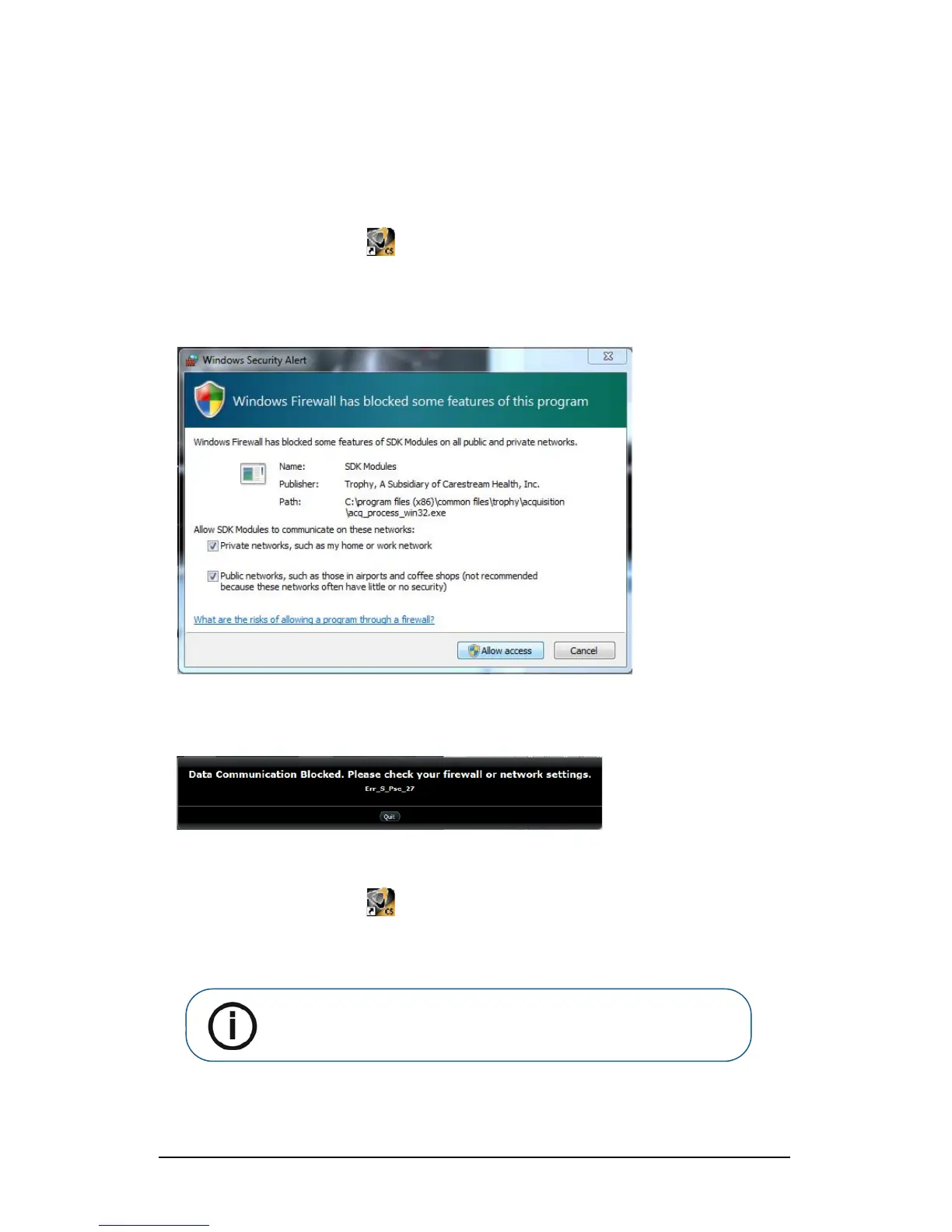
The Windows Security Alert dialog box displays. Select Private networks, Public networks, and
click Allow access.
2 Click Quit on the following dialog box:
3 Close the imaging software.
4 On your desktop, double-click to re-open the imaging software.
Note: See your firewall documentation for information on how to
configure the firewall or network settings.












 To Next Page