76 Chapter 7 3D Object Acquisition
Acquiring Images of the Radiological Guide in the Patient Mouth
The Appliance acquisition export mode enables you to carry out the acquisition procedures for dual
scan protocol that is needed to perform dental implant guided surgery.
Before acquiring an image of the object, do the following:
• On your desktop, double-click to open the CS Imaging Software.
• Select the patient record.
• Access the imaging window.
• Click to access the 3D Acquisition Interface.
Preparing the Unit and Setting the Acquisition Parameters
To prepare the unit for acquisition, follow these steps:
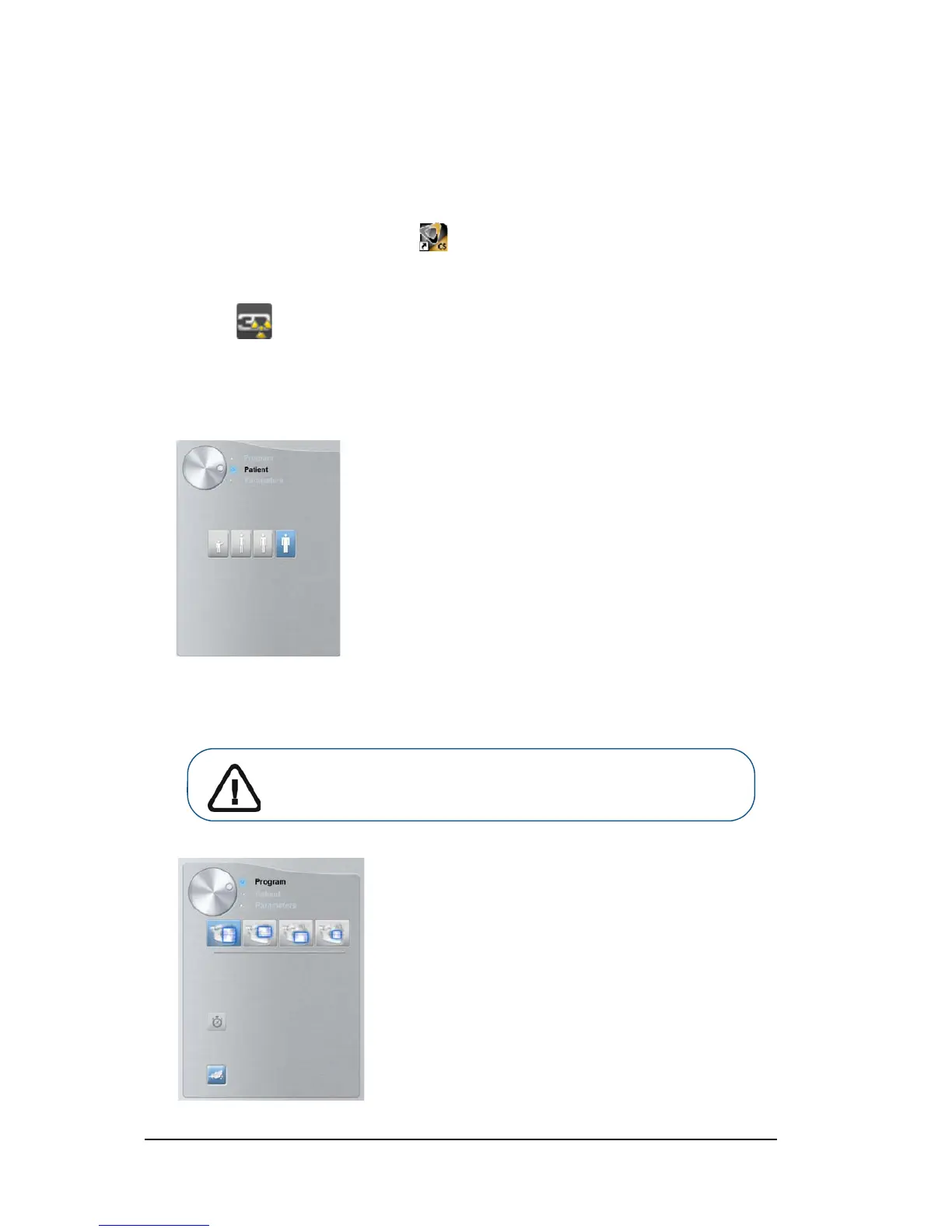
1. In the 3D Acquisition interface, click the Patient button to access the Patient pane.
Select the patient type:
• Child
• Adult: Small, Medium, Large
2. Click the Program button to access the Program pane
Important: See the CS 8100 3D Family Safety, Regulatory and Technical
Specifications User Guide (SM844) for information on radiation protection
and recommendations when you select a patient type.












 To Next Page