Panoramic and 3D Modality User guide for CS 8100 3D Family (SM842) Ed07 63
Launching the Acquisition for the Impression Material
To launch the acquisition, follow these steps:
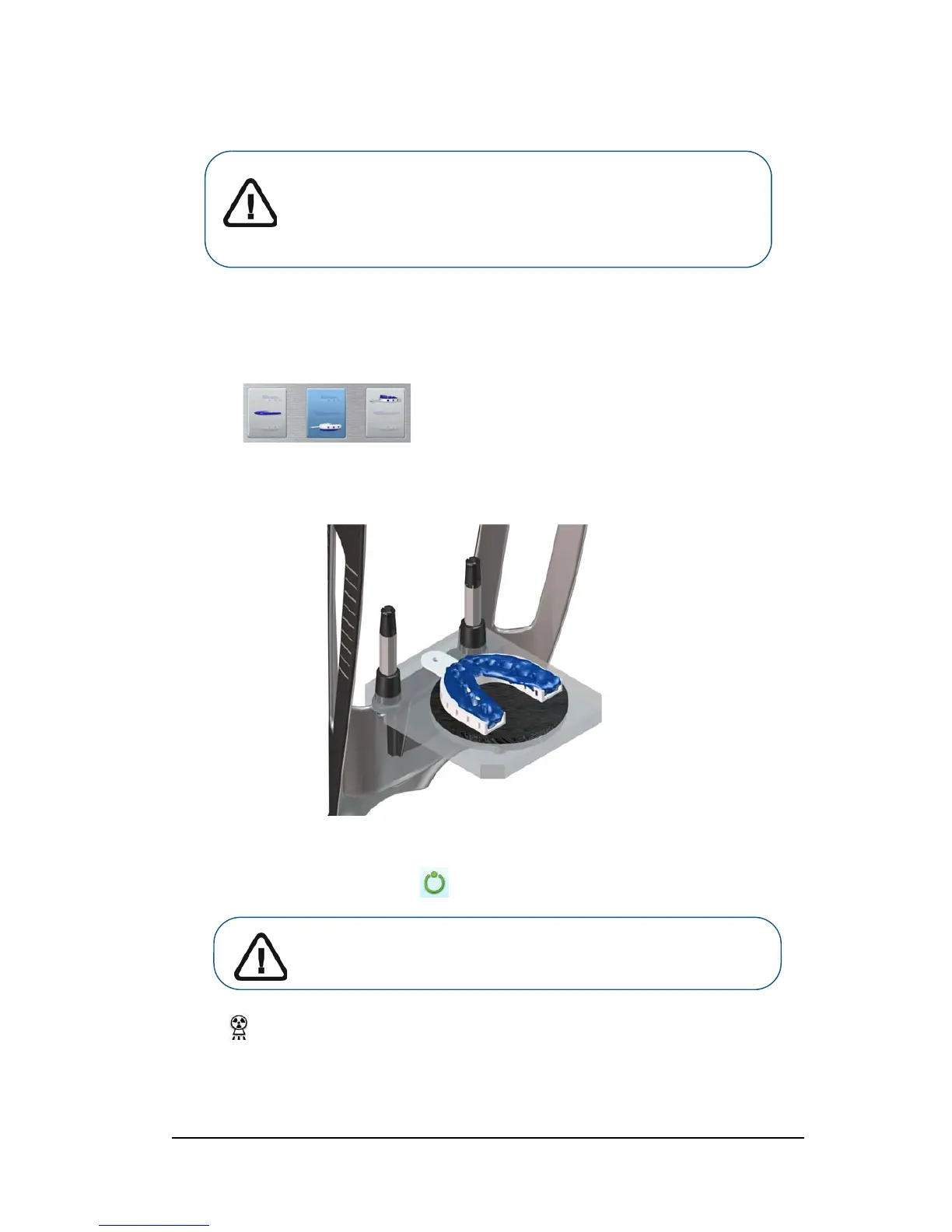
1. Select either the lower jaw or upper jaw acquisition mode.
2. Follow the on-screen animated instruction on how to correctly position the impression at the
center of the black foam.
3. Leave the X-ray room and close the door.
4. On the Acquisition interface, when is green, press and hold the exposure button of the X-ray
remote control until the end of acquisition.
The indicator in the acquisition interface turns yellow and a warning sound is emitted to
indicate that X-ray emission is in progress.
The acquired image appears in the Preview Screen.
WARNING:
• ALWAYS use a metal-free tray for the Impression
Material.
• Make sure that the Impression Material and the plastic
tray are dry.
Important: If you have a problem that requires you to stop the
acquisition, release the exposure button of the remote control or
press the red emergency stop button.












 To Next Page