Panoramic and 3D Modality User guide for CS 8100 3D Family (SM842) Ed07 13
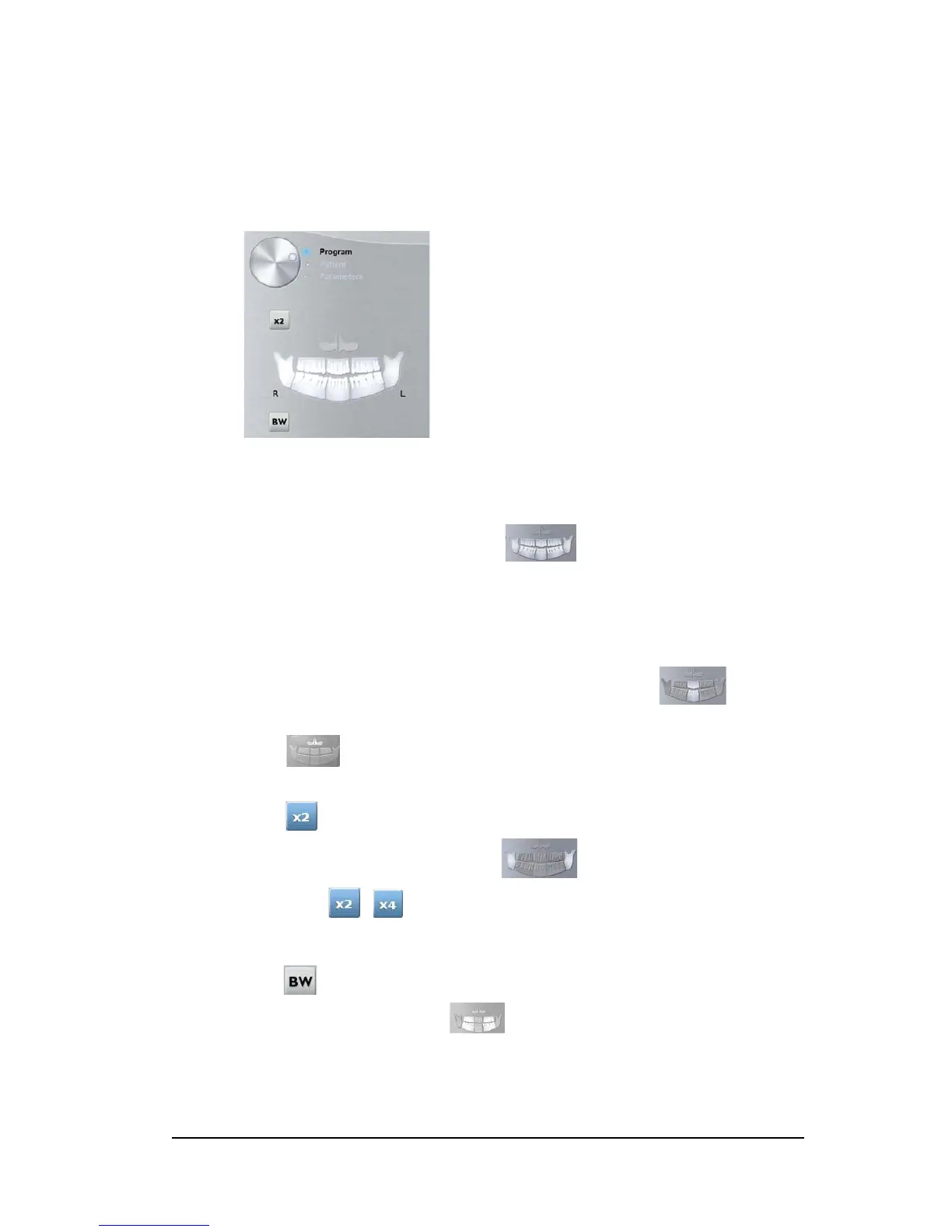
Program Pane
The Program pane enables you to choose the different radiological exams. The diagram in
the Program pane represents a jaw, with the R side of the diagram corresponding to the
right side of the patient.
Figure 7 Program Pane
Radiological exam options:
Full panoramic acquisition:
Click on all the areas of interest. Example:
Segmented panoramic acquisition:
Click on the following areas of interest that you want to examine:
• Posterior
• Anterior
The selected area of interest will highlight. Example (anterior exam):
Maxillary Sinus acquisition:
Click .
TMJ acquisition:
Click for a TMJ acquisition.
The selected area of interest will highlight:
Double click . appears for a TMJ x4 acquisition.
Bitewing acquisition:
Click .
Select one or both area of interest: .












 To Next Page