38 Chapter 5 Acquiring Images using the Cephalometric Modality
Acquiring a Submento-Vertex Image for the Adult and Pediatric
Patient
Before acquiring an image, check that you have:
• Selected the patient record.
• Accessed the CS Imaging Software.
• Accessed the Cephalometric Acquisition Interface.
Preparing the Unit and Setting the Acquisition Parameters
To set the acquisition parameters, follow these steps:
1. On the unit, position the head clamps manually for a frontal AP exam.
The frontal AP exam option becomes active.
2.
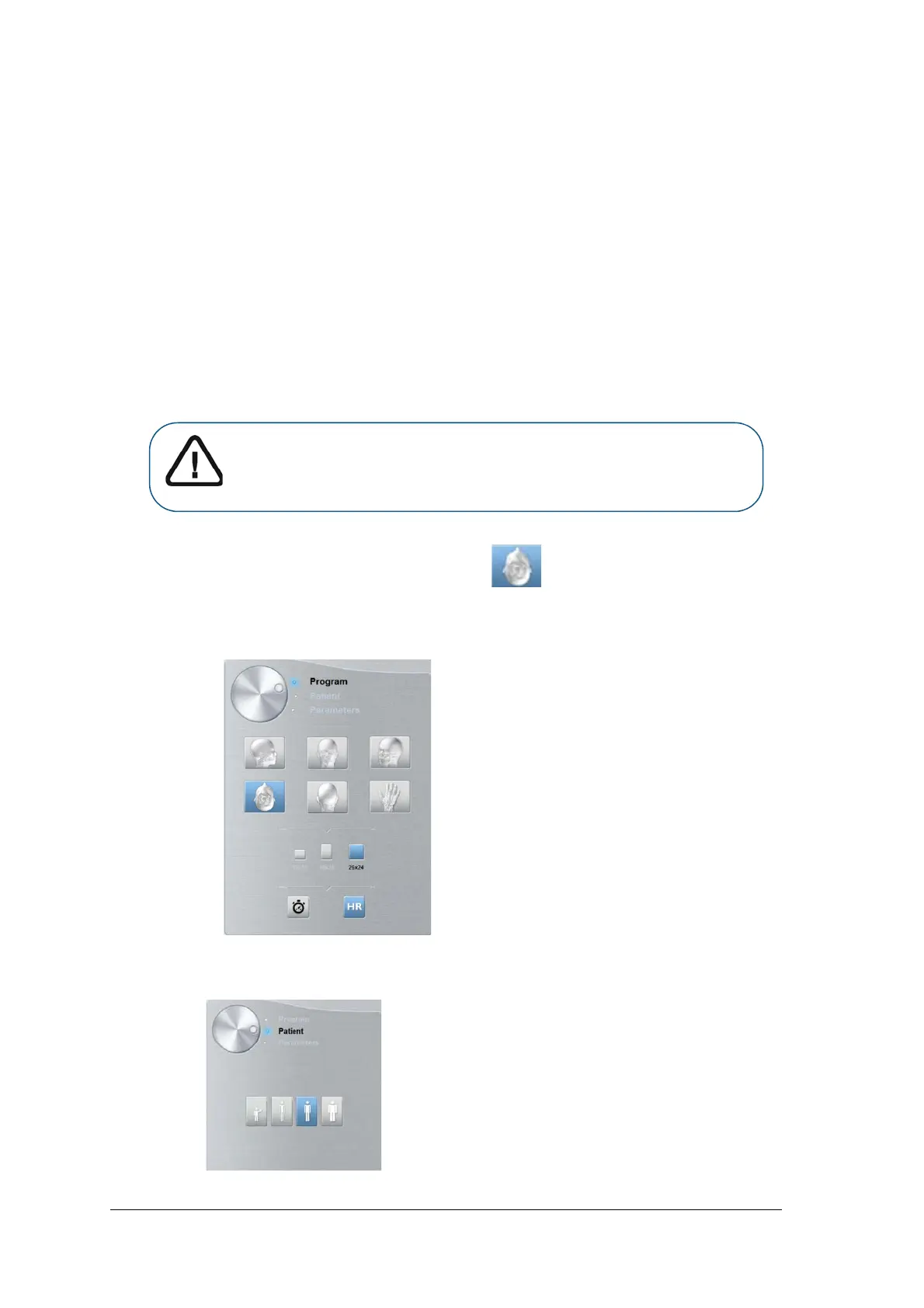
On the Cephalometric Acquisition Interface, click for a submento-vertex exam.
3. Select the appropriate FoV option.
4. Click the Patient button to access the Patient pane.
Important: You must position the head clamps manually because they
cannot be positioned automatically from the Program pane exam
options. When you position the head clamps manually, the relevant
exam option icon becomes active.



 To Next Page