Cephalometric Modality User guide for CS 8100 Family and CS 8100 3D Family_SM987_Ed02 47
6 Maintenance
Perform the following maintenance activities on your unit.
Maintenance actions
Monthly maintenance
Wipe the outer covers of the unit with a soft and dry cloth.
Annual maintenance
We recommend a general inspection of the unit carried out by an authorized service technician.
Controlling the Image Quality
To maintain optimum image quality, it must be controlled once a month. To control the image quality,
follow these steps:
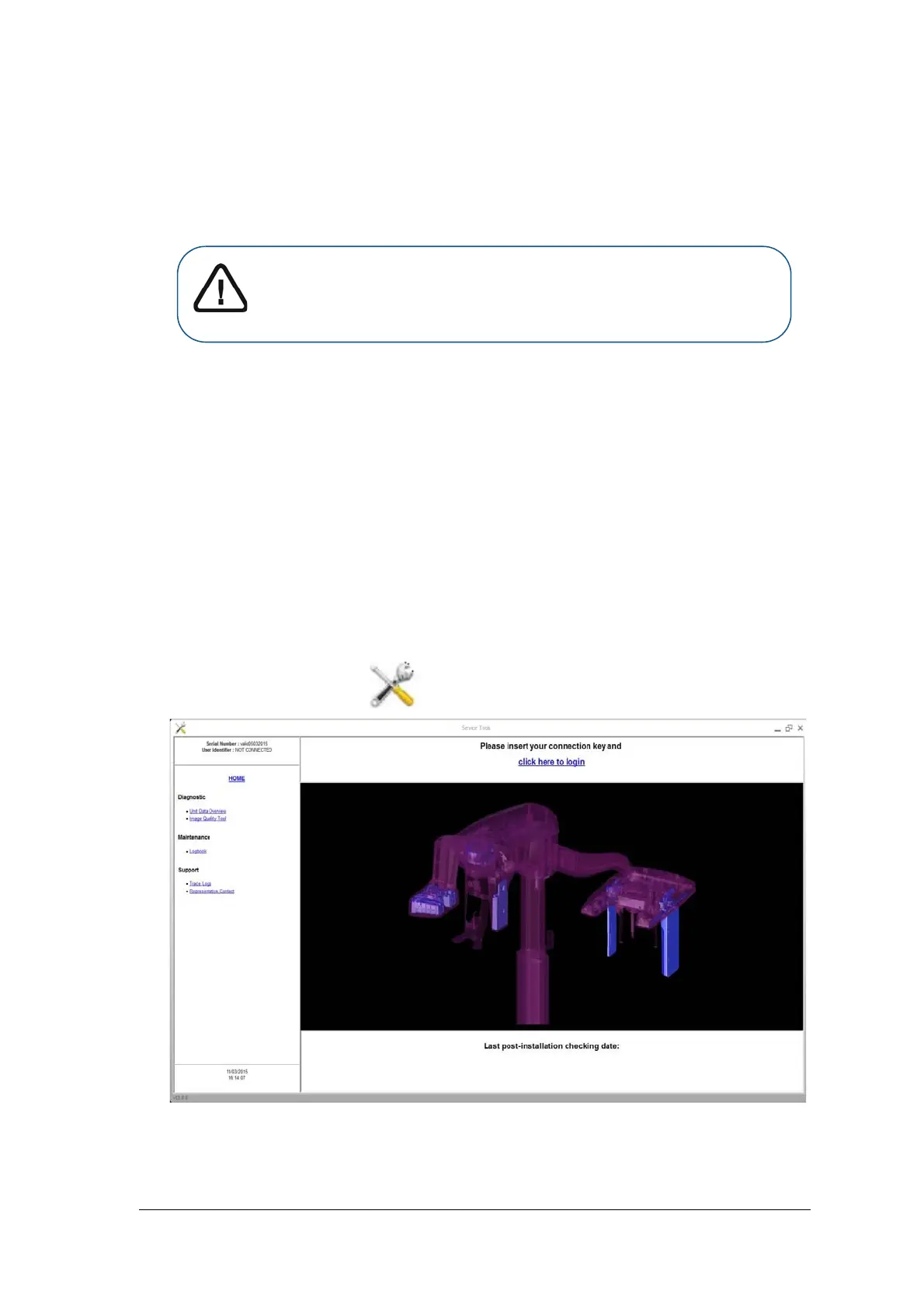
1. On your desktop, double-click . The Service Tools window is displayed.
2. In the left pane, double-click Image Quality Tool. The Image Quality Control window is
displayed.
Important: For information on cleaning and disinfecting, see the
CS 8100 Family (SM785) and CS 8100 3D Family (SM844)
Safety, Regulatory and Technical Specifications User Guide.



 To Next Page