28
Programming the clock
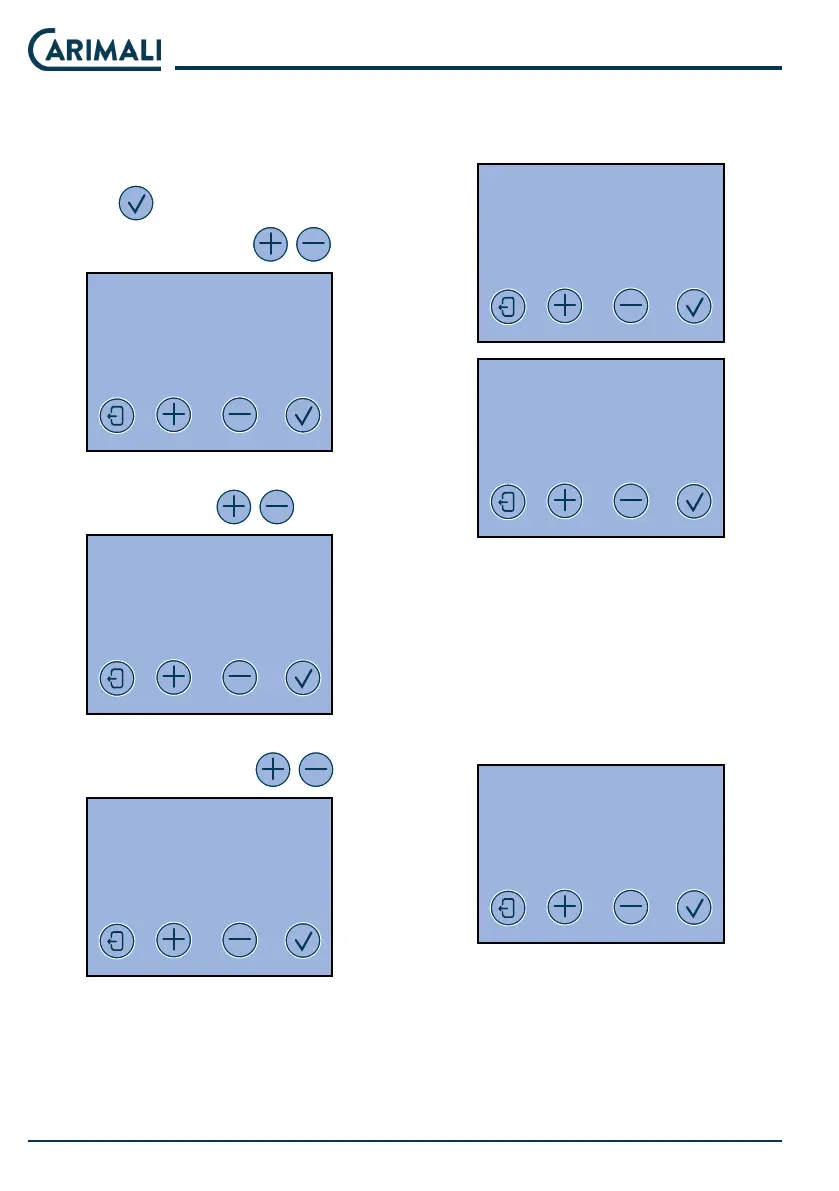
Access the CLOCK PROGRAMMING
menu.
In the menu, scroll the elds to set by
pressing
.
Set time and date with
.
CLOCK
PROGRAMMING
YY - MM - DD DAY HH:MM
-- / -- / -- --- / -- : --
Enable/disable viewing of the clock
on the display with
.
CLOCK
PROGRAMMING
CLOCK DISPLAY
ENABLE
Enable/disable automatic switching
on of the machine with
.
CLOCK
PROGRAMMING
AUTO START-UP
ENABLE
If enabled, the time and days of au-
tomatic switching on of the machine
mu be set.
AUTO START-UP
ON OFF
HH:MM HH:MM
AUTO START-UP
DAY OFF
1- OFF
2- OFF
3- OFF
Service
In this programming section, you can
only access the Milker wash Time
setting.
WASHING TIME
FREQUENCY
OFF
If enabled, the day and washing time
mu be set.












 To Next Page