29
Alarm Hiory
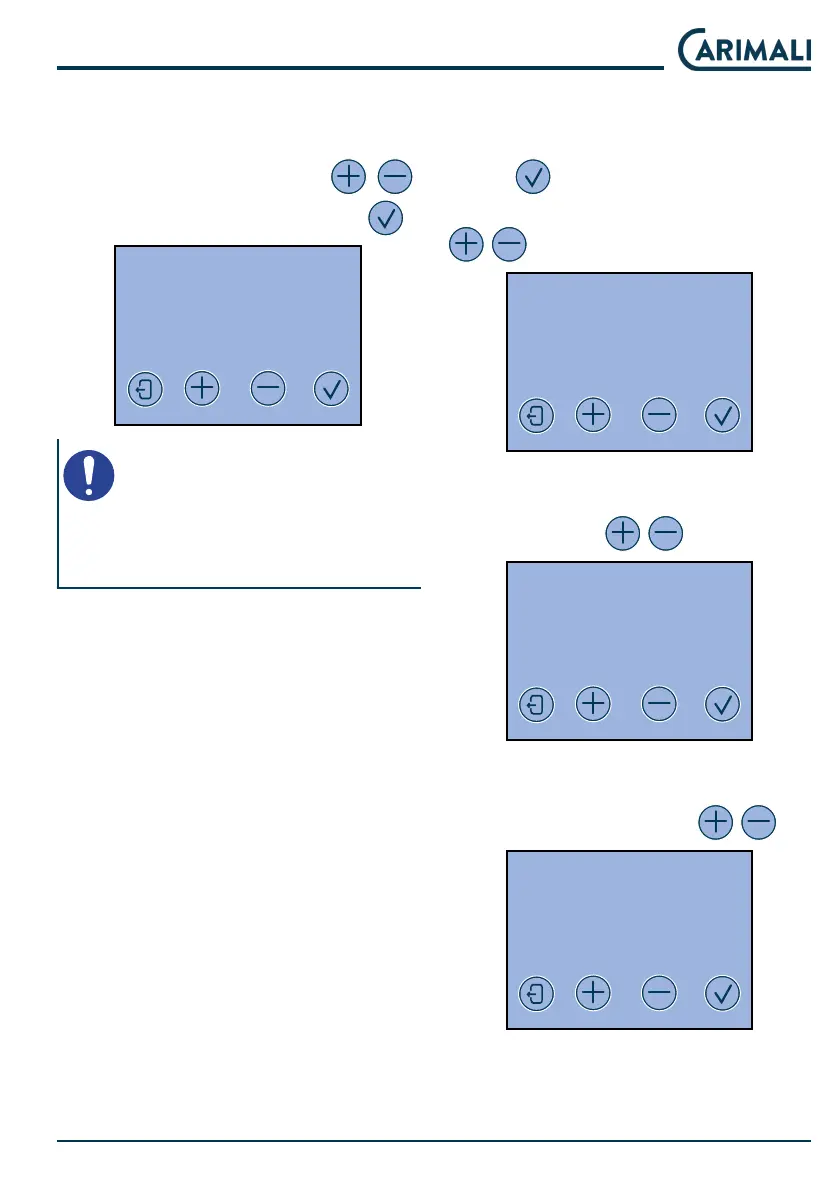
This section displays the alarms that
have occurred on the machine.
Scroll through the li with
.
After resolving the alarm, press
.
ALARM HISTORY
1 X - JJ YYYYY Z
YYYY - MM- DD HH:MM
NOTE
The maximum number of alarms
saved by the machine in the mem-
ory is 10.
Display adjument
This menu allows setting the display
parameters.
Press
to scroll through the en-
tries. Set the display contra with
.
DISPLAY REGULATION
BRIGHTNESS
XX
Set the colour prole of the display
from 1 to 3 with
.
DISPLAY REGULATION
COLOUR PROFILE
X
Set the colour of the LEDs by adju-
ing the shade of red, green and blue
(RGB) from 0 to 100 with
.
DISPLAY REGULATION
COLOUR PROFILE
X










 To Next Page