28
Menu-GEN.06: Set Stable Weight Range
Function Stable Weight Range Setting
Display Part Meaning
Set Range
(0 ~99)
STAB XX
Initial Value :
1x 0.5 division
Stability lamp is turned ON when weight change is such that the width
of change in a given time is within the set value x 0.5 division
Note 1. This function verifies the stable status when the weight fluctuation does not exceed 0.5x the
readability setting within the set time.
Note 2. The number should be made large and small for high-vibration and low-vibration environments
respectively to quickly stabilize the weighing status.
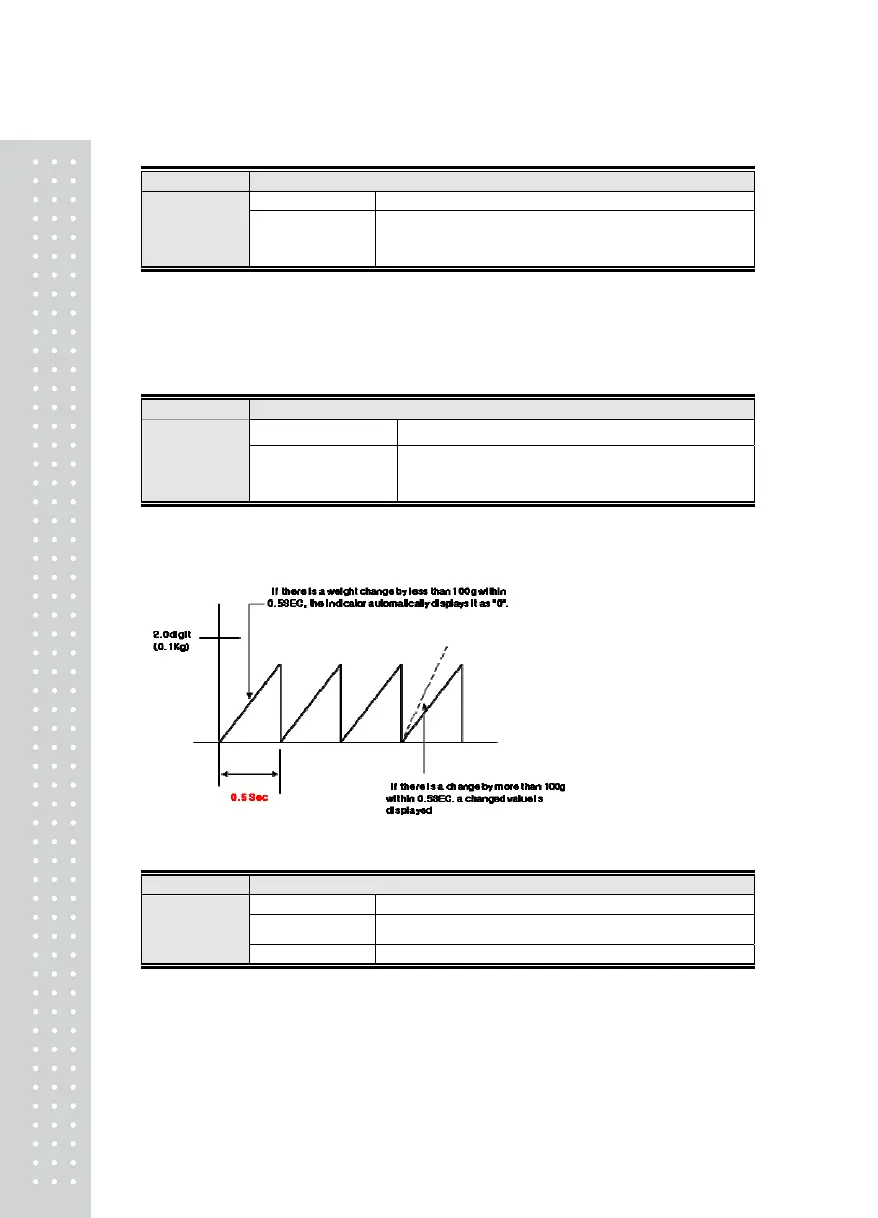
Menu-GEN.07: Set Automatic Zero-set Range
Function Automatic Zero-set Range Setting
Display Part Meaning
Set Range
(0 ~ 99)
ZTR. XX
Initial Value :
1x 0.5 division
Stability lamp is turned ON when weight change is such that the
width of change in a given time is within the set value x 0.5
division
Note 1. This function automatically corrects the zero-set if the weight does not exceed a set readability
range within a set time when at zero-set state.
Ex) If the MENU [GEN-07] is set to "2" when the maximum labeled increment is 120.0kg and the value
of a single increment is 0.05kg
Menu-GEN.08: Set Weight Back-up
Function Weight Back-up Setting
Display Part Meaning
WBUP. 0
Weight back up function is not used
Set Range
(0, 1)
WBUP. 1 Weight back up is used (based on operation)



 To Next Page