CAL 3
CAL 3-1
Function : Setting Multi Calibration Step
Range of set value : 1 ~ 5
▲, ▼ Key : Value change
ZERO Key : Cancel
SET Key : Save and next
menu
Setting multi calibration for step 1
(CAL3-3 and CAL 3-4 are carried out once)
Setting multi calibration for step 5
(CAL3-3 and CAL 3-4 are carried out five times.)
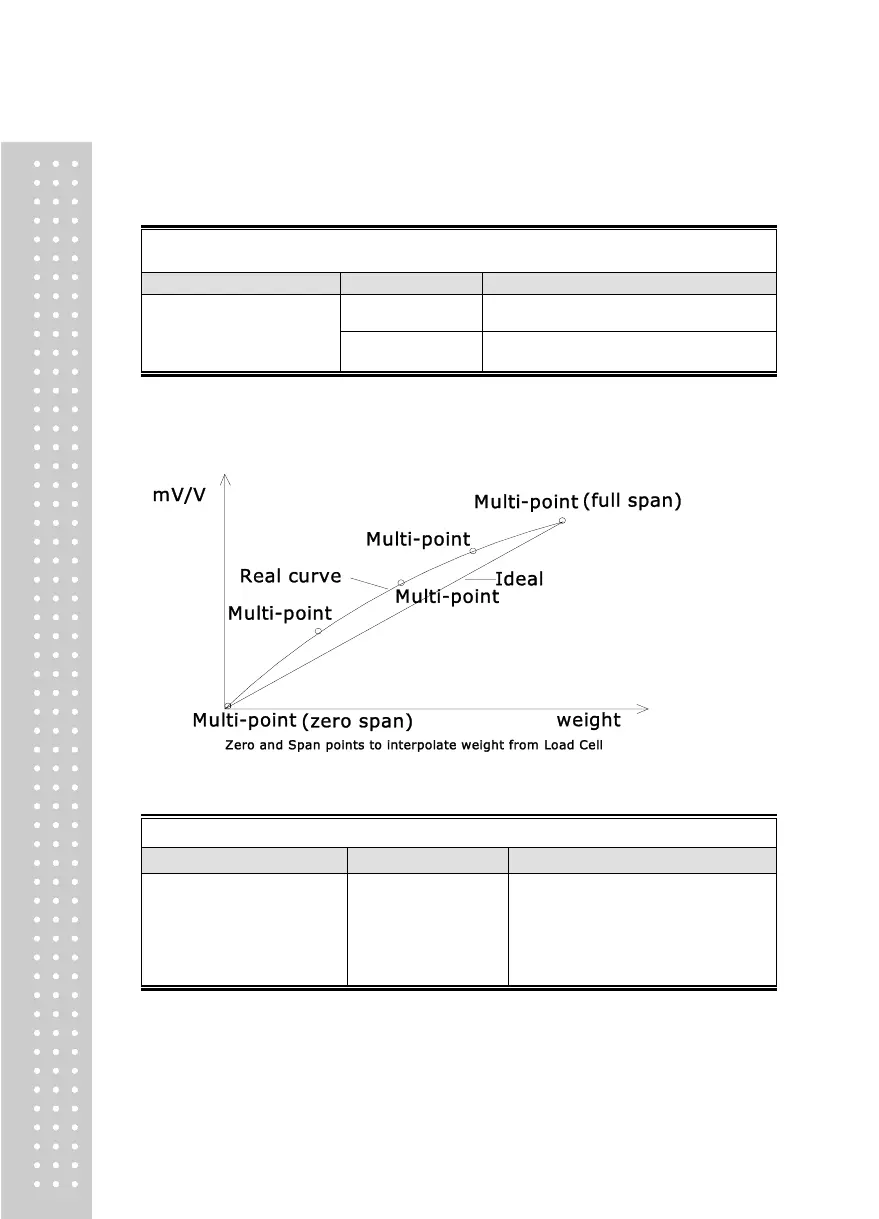
► Note 1. A function to use, when the output of load cell is corrected by setting multiple
points in some sections because the actual curve of load cell is not a straight line.
CAL 3-2
Function: Zero Calibration
ZERO Key : Cancel
SET Key : Save and next
menu
Empty the load tray and press the setup key.
The current weight value is displayed.
Confirm 'Stable' and press the setup key.
► Note 1. If zeroing finished with no error, it moves to Setting Weight (CAL 3-3) although
no key is pressed.



 To Next Page