EasyManua.ls Logo

CAS CI-170A - Page 34

CAS CI-170A
79 pages
Print Icon
To Next Page IconTo Next Page
To Previous Page IconTo Previous Page
Loading...
35
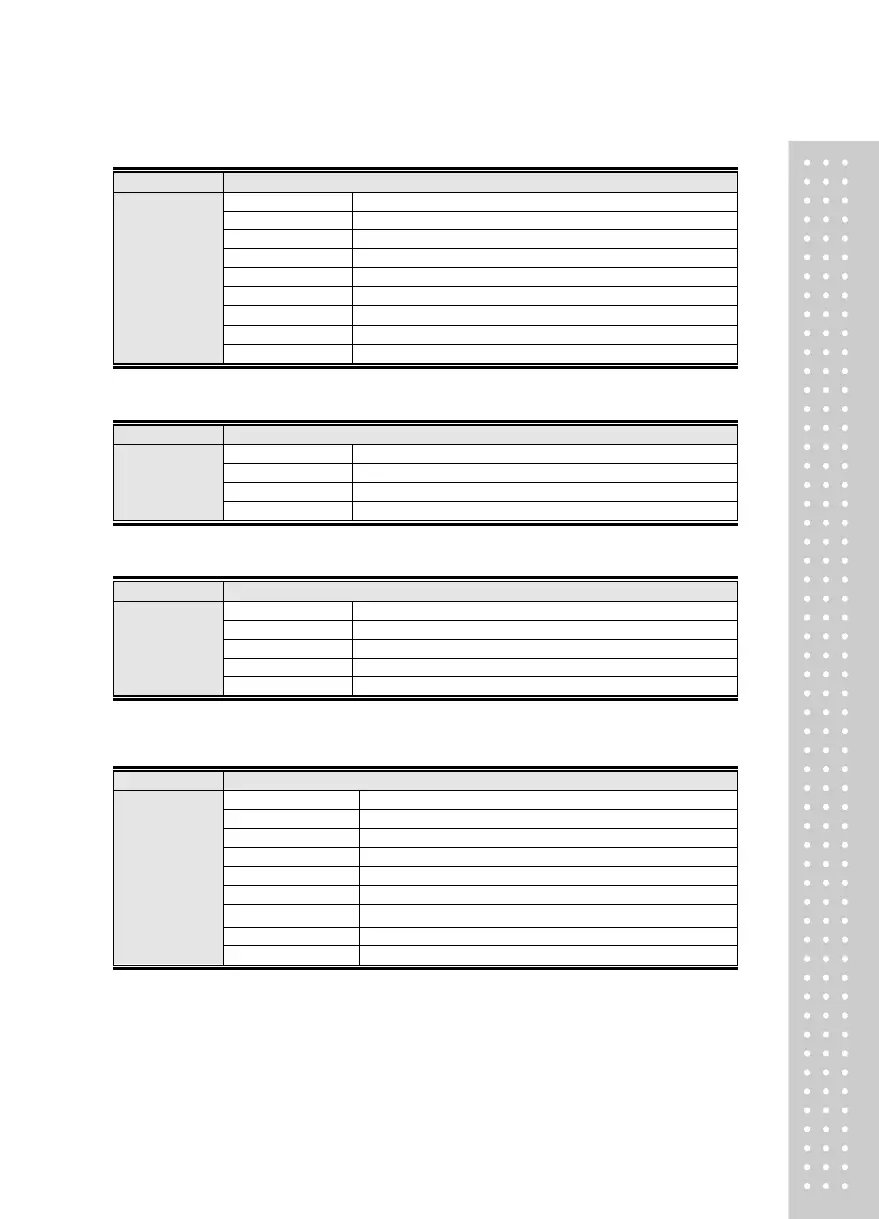
Menu-COMM.08: Set RS-485 Baud Rate
Function
RS485 Baud Rate Setting
Set Range
(0 ~ 7)
Display Part
Meaning
CBR2. 0
1,200 bps
CBR2. 1
2,400 bps
CBR2. 2
4,800 bps
CBR2. 3
9,600 bps
CBR2. 4
19,200 bps
CBR2. 5
38,400 bps
CBR2. 6
57,600 bps
CBR2. 7
115,200 bps
Menu-COMM.09: Set RS485 Out Data
Function
RS485 Out Data Setting
Set Range
(0 ~ 2)
Display Part
Meaning
CWT2. 0
Displayed value is transmitted
CWT2. 1
Gross Weight is transmitted
CWT2. 2
Net weight is transmitted
Menu-COMM.10: RS485 Output Format
Function
RS485 Output Format
Set Range
(0 ~ 3)
Display Part
Meaning
CFM2. 0
22 byte of CAS
CFM2. 1
10 byte of CAS
CFM2. 2
18 byte Format(AND, FINE)
CFM2. 3
18 byte of MIGUN
Note 1. Refer to <Appendix 1> for the communication format
Menu-COMM.11: RS485 Communication Method
Function
RS485 Communication Method (Output mode)
Set Range
(0 ~ 7)
Display Part
Meaning
CMD2. 0
Data is not transmitted
CMD2. 1
Transmitted only if the print key is pushed
CMD2. 2
Transmitted in both stable/unstable cases (Stream Mode)
CMD2. 3
Transmitted only if the weight is stable
CMD2. 4
Command Type 1
CMD2. 5
Command Type 3
CMD2. 6
Modbus protocol
CMD2. 7
MIGUN protocol
Note 1. Refer to Appendix 2, 3 for command types.
Note 2. Refer to Appendix 5 for MIGUN protocol.


Related product manuals