3. Print Function Setting
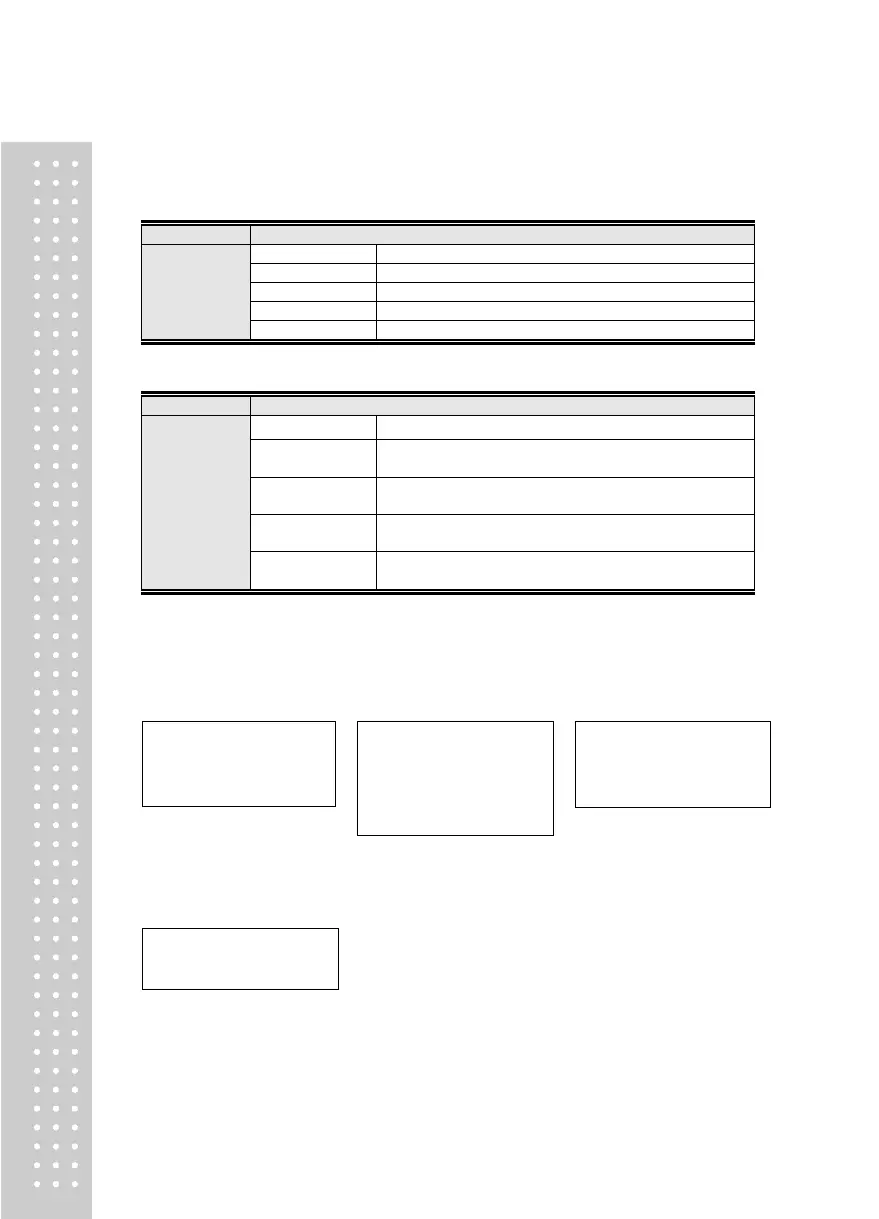
Menu-PRT.01: Print use Setting
CAS DEP Ticket Print Standard Type
CAS DLP Label Print Standard Type
Menu-PRT.02: Print Form
Print Form 1 (Date, Time, Weighing No., Net Weight)
BP Print Form 1(FORM1)
Print Form 2 (Date, Time, Gross Weight, Tare, Net Weight)
BP Print Form 2(FORM2)
Print Form 3 (Date, Time, Net Weight)
BP Print Form 3(FORM3)
Print Form 4 (Date, Time, Serial No., Net Weight)
BP Print Form 4(FORM4)
【 Form 1 】
Date, Time,
Weighing No., Net Weight
【 Form 2 】
Date, Time,
Gross Weight, Tare,
Net Weight
【 Form 3 】
Date, Time,
Time, Net Weight
2016.07.07 12:30:46
No. 1 50.0 kg
No. 2 100.0 kg
No. 3 200.5 kg
2016.07.07 12:30:46
Gross : 1000.0 kg
Tare : 0.0 kg
Net : 1000.0 kg
Gross : 2000.0 kg
Tare : 500.0 kg
Net : 1500.0 kg
2016.07.07 12:30:46
10:10:30 Net : 50.0 kg
11:00:32 Net : 100.0 kg
12:30:34 Net : 200.5 kg
【 Form 4 】
Date, Time,
Serial No., Net Weight
2016.07.07 12:30:46
1, 1000.0 kg
2 , 200.5 kg



 To Next Page