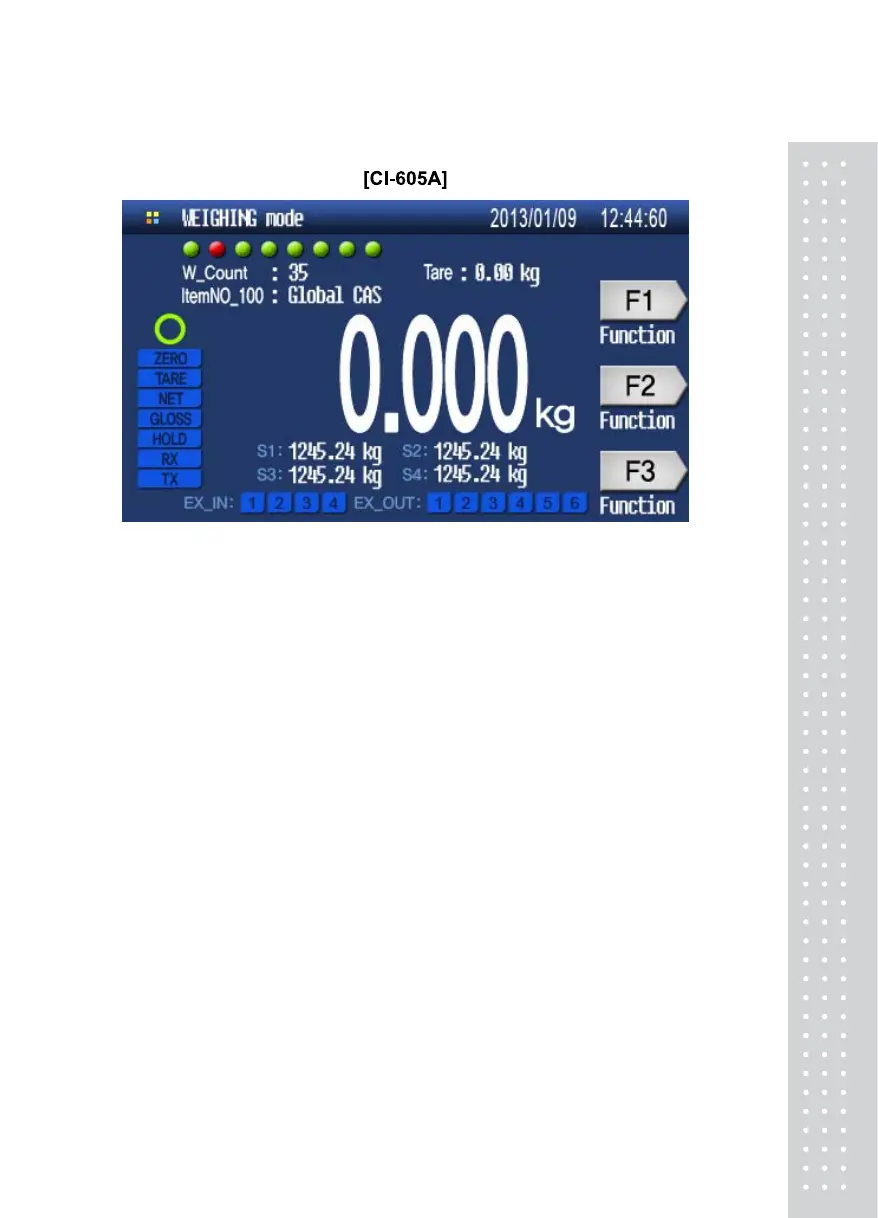
Display Information
1. Display each DLC’s status (Green = OK, Red = NG)
2. 6Digits, Decimal point, sign
3. Unit : kg, lb, ton
4. Message Display : Key input, Error message..
5. Short cut key with function name
6. Set data SP1~4 (CI-605)
7. External input status (CI-605)
8. External output status (CI-605)
13



 To Next Page