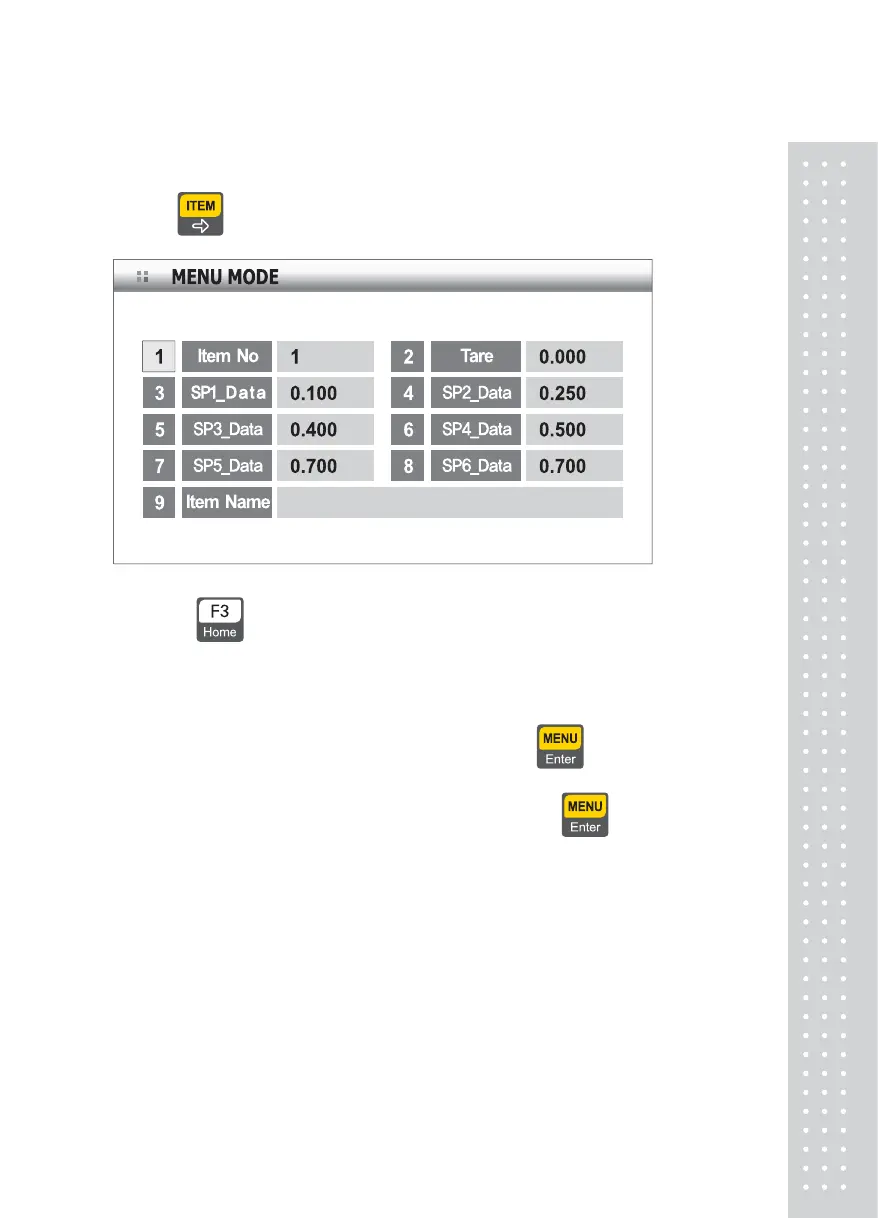
6-7. Selection and Change of Article Information
1) Push key in the scale mode, and the following screen appears.
Select the item to change an input value for using numeric keys.
Push
key to change to the previous state(weight weighing state).
6-8. How to Change Item Number
Push No.1 key to select the item number and push key
Input window for item number is displayed
Enter a desired item number Enter [1][1] and push
key
Information on Item No.11 is displayed, followed by return to the previous
state
43



 To Next Page