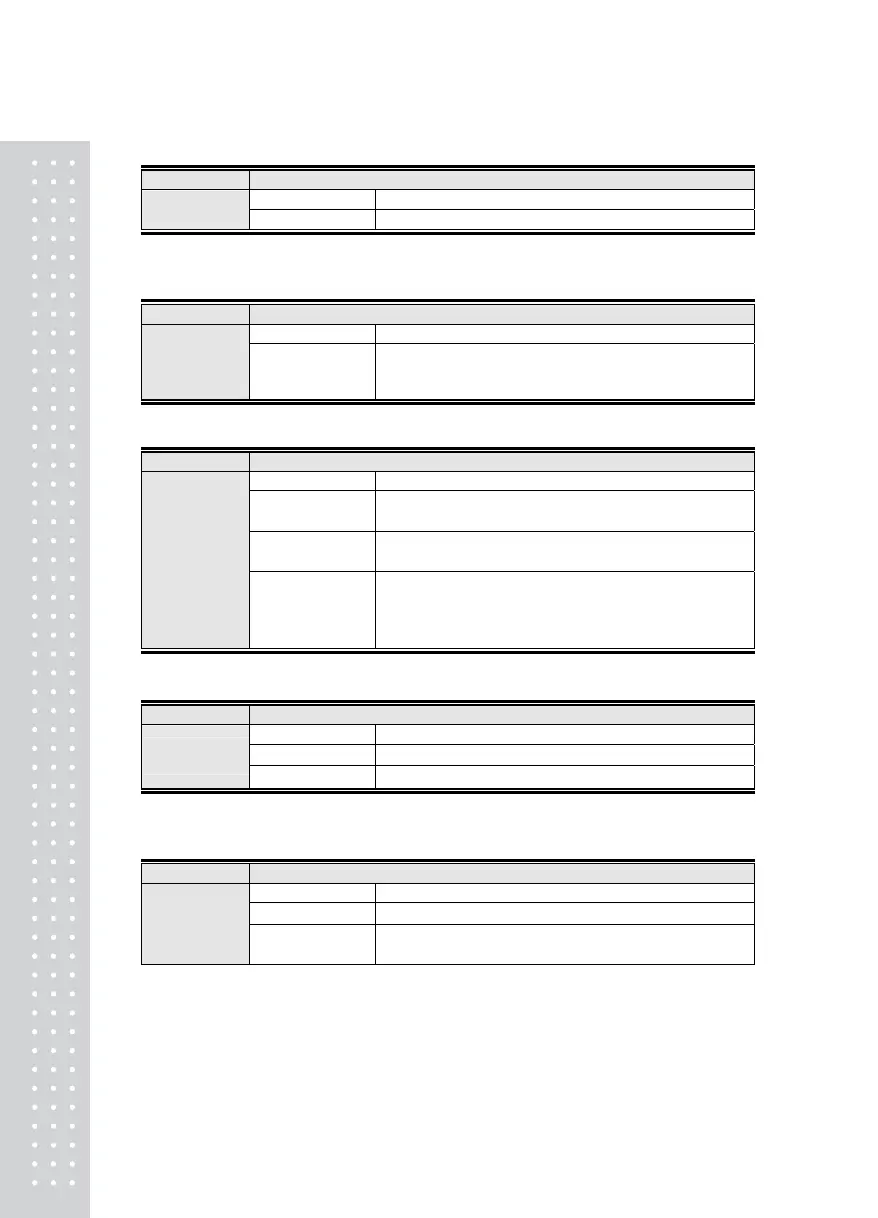
Menu-2305
Function Set Print Head Message
Display Part Meaning
Set Range
50 byte
message Enter Message
Note 1. A function entering the desired head message upon printing.
Menu-2306
Function Set Printing Delay Time
Display Part Meaning
Set Range
(0 ~ 200)
00 x 10ms
Initial Value: 1 x
10ms
Issue print after 00 x 10ms
Menu-2307
Function Set Print Condition
Display Part Meaning
ᆷ 1_Print Only If
Weight Value Is +
Print out only if the weight value is +
ᆷ 2_Print Only If
Weight Value Is –
Print out only if the weight value is -
Set Range
(1~3)
ᆷ 3_Print
Regardless of
Whether Weight
Value Is +/-
Print out regardless of whether the weight value is +/-
Menu-2308
Function Set Print Out Condition (Printing condition )
Display Part Meaning
ᆷ 1_ Manual Print
Printed only if the print key is pushed
Set Range
(1~2)
ᆷ 2_Automatic Prin
Printed automatically if the weight value is stabilized
Menu-2309: Printing Count Number
Function Print Count Number
Display Part Meaning
ᆷ 1_No Change
Fixed
Set Range
(1 ~ 2)
ᆷ 2_ Increased 1
Printing times are increased automatically by one at a time
after weighing operation
6



 To Next Page