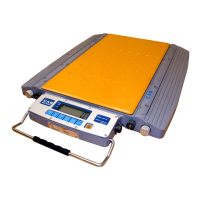
User’s function setting
Press [FUNC] key over 5 seconds in weighing state, the indicator will come into user setting mode,
there are P1~P14 fourteen parameter setting in user setting mode, press [TARE] key to adjust the
number and press [ACCUM] key to come into next parameter. The parameters descriptions are as
follows:
1. P1 x kg Lb conversion
x=1: kg display
x=2: Lb display
2. P2 x function choose
x=1: no other function
x=2: turn on the animal function
x=3: turn on the hold function
3. P3 x Bate rate setting
x=1: 9600
x=2: 4800
x=3: 2400
x=4: 1200
4. P4 x RS232 output net weight, gross weight, tare weight choose
x=1: output net weight
x=2: output gross weight
x=3: output tare weight
5. P5 x RS232 output method choose
x=1: no transmission(RS232 stop)
x=2: continuous transmission
x=3: continuous transmission after stabilization
x=4: command method
(Z:zero,T:tare,R:send weight data once)
x=5: 232 large screen communication format
x=6: for extend function use
6. P6 x power-saving setting
x=1: power-saving turn off
x=2: power-saving method 1,about 30 seconds
x=3: power-saving method 2,about 60 seconds
x=4: power-saving method 3,about 30 seconds, only press key can
exit the power-saving state
x=5: power-saving method 4,about 60 seconds, only press key can
exit the power-saving state



 To Next Page