- 11 -
If pressed for 2~3 sec, you can see
"
SUB = Z GrAn = T
"
.
You can print out the sub total weight with ZERO key and
total sum weight with TARE key
After the sub total weight and grand total weight is printed
out, it is set to zero(0)
ENTER KEY - Used as HOLD key
If pressed for 2~3 sec, you can see
"
dEvi = Z Set = t
"
.
You can go to DEVIDE with ZERO, SET Mode with TARE key
UNIT KEY
You can change the unit of weight ( kg/lb ) (USA Version)
All functions are used with the unit of weight is selected
in weight calibration in CAL MODE.
If you press UNIT key for 2~3 sec, power is turned on or off
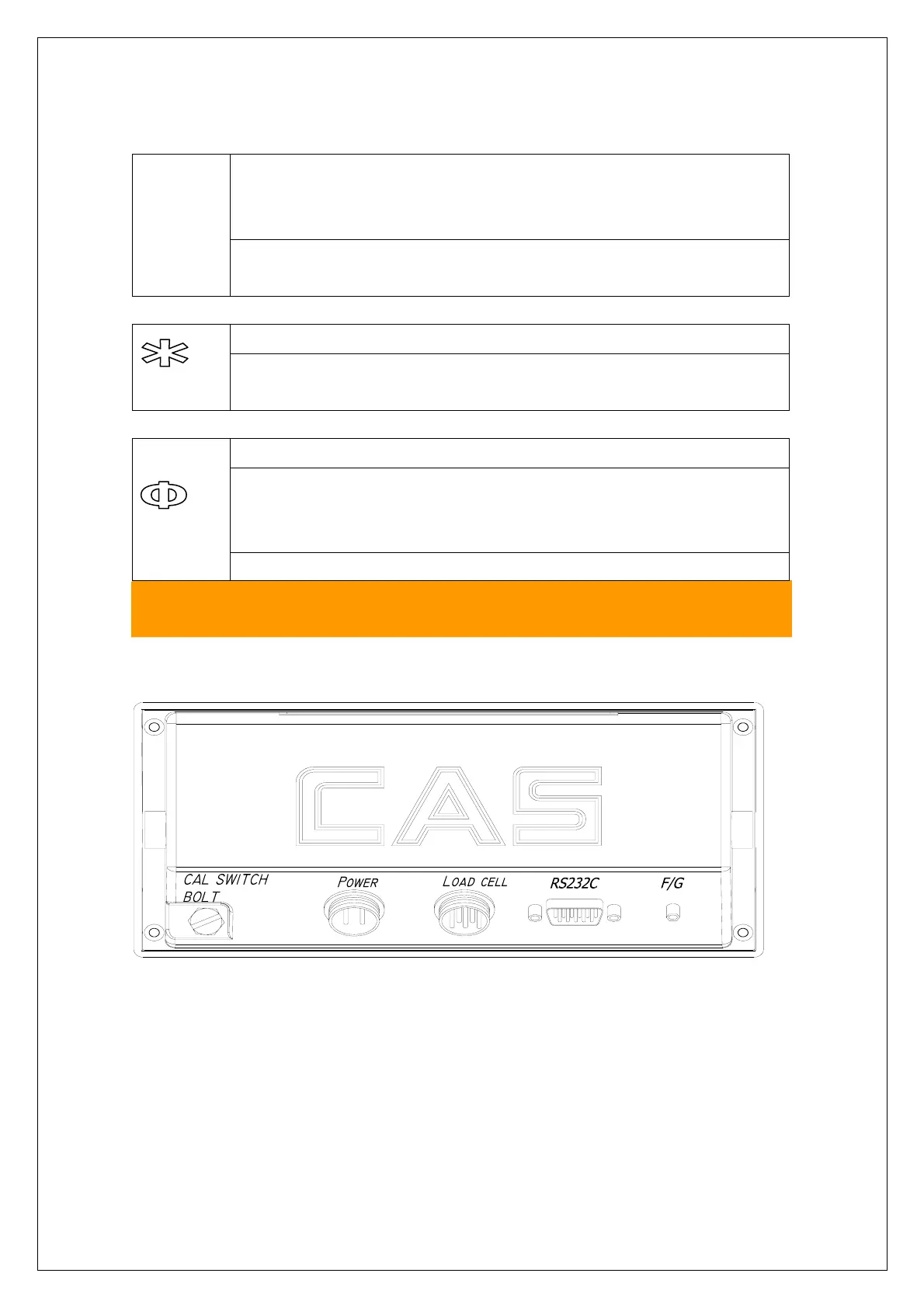
6. Rear Panel
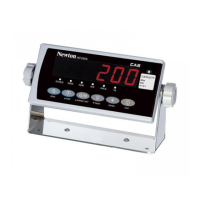
NT-200A, NT-201A
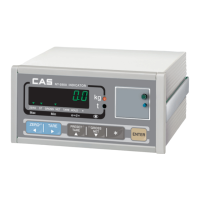
NT-200S, NT-201S



 To Next Page