45
6.Test Mode
6-1. How to enter Test Mode
If you open the front cover of indicator and turn on the DIP S/W1, the Test Mode is started.
At this time,
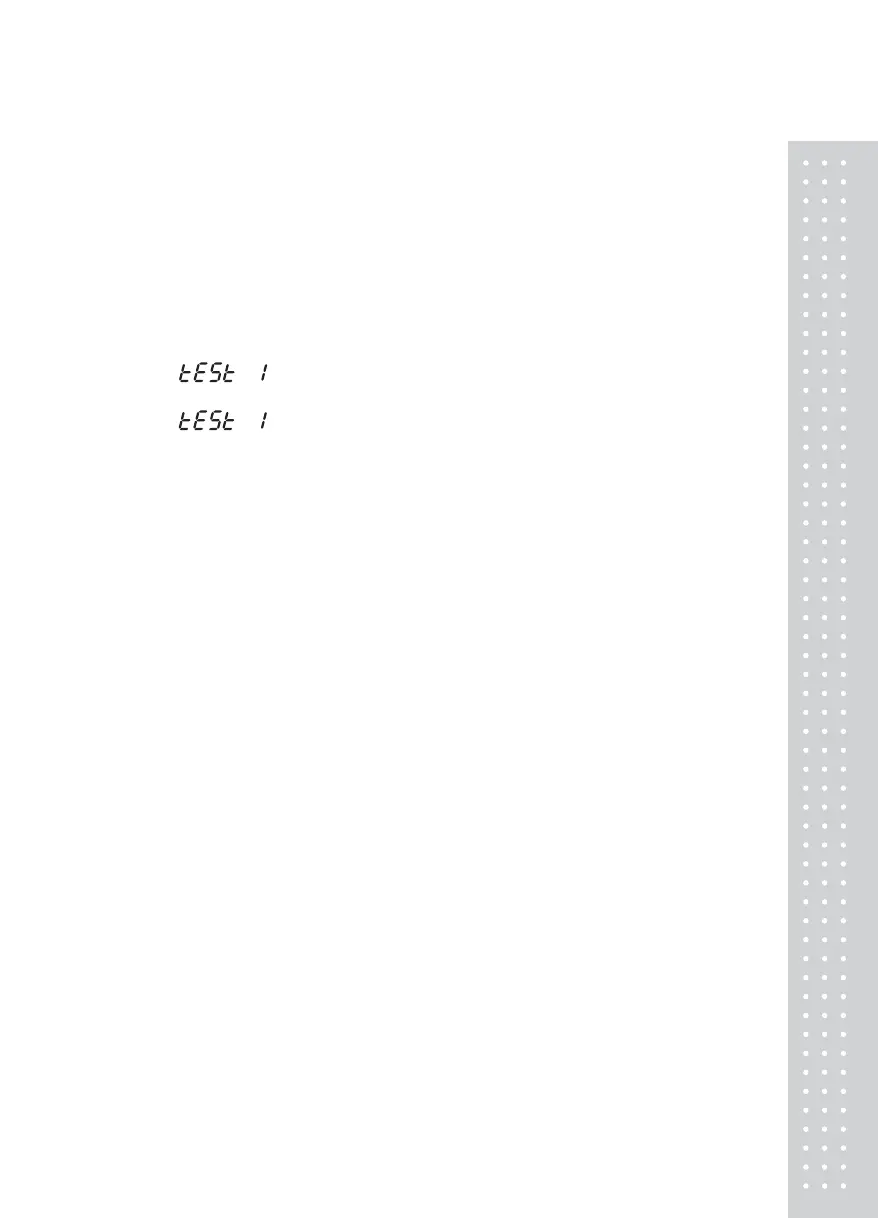
TEST message is displayed on VFD and TEST 1 runs automatically.
If you turn on all of the DIP switches(1,1) after the Calibration, you can return to the Weighing
Mode then.
1. : select the Test menu which you would like to do.
2. Select the Test menu with arrow keys and then press the ENTER key
3. : It means “Test 1”(key Test) is selected. Proceed the key Test.
6-2. Available Keys in Test Mode
▲, ▼ Key : Change the Test number value
▲ Key : increase a value
▼ Key : decrease a value
, Key : Change the digit of ▶◀ the set value
“ * ” Key : Cancel key
ENTER Key : The Test is executed or the program is moved into the next menu


 To Next Page