EasyManua.ls Logo

CAS NT-580A - Print Function

CAS NT-580A
87 pages
Print Icon
To Next Page IconTo Next Page
To Previous Page IconTo Previous Page
Loading...
3
7
5-3-3. Print Function
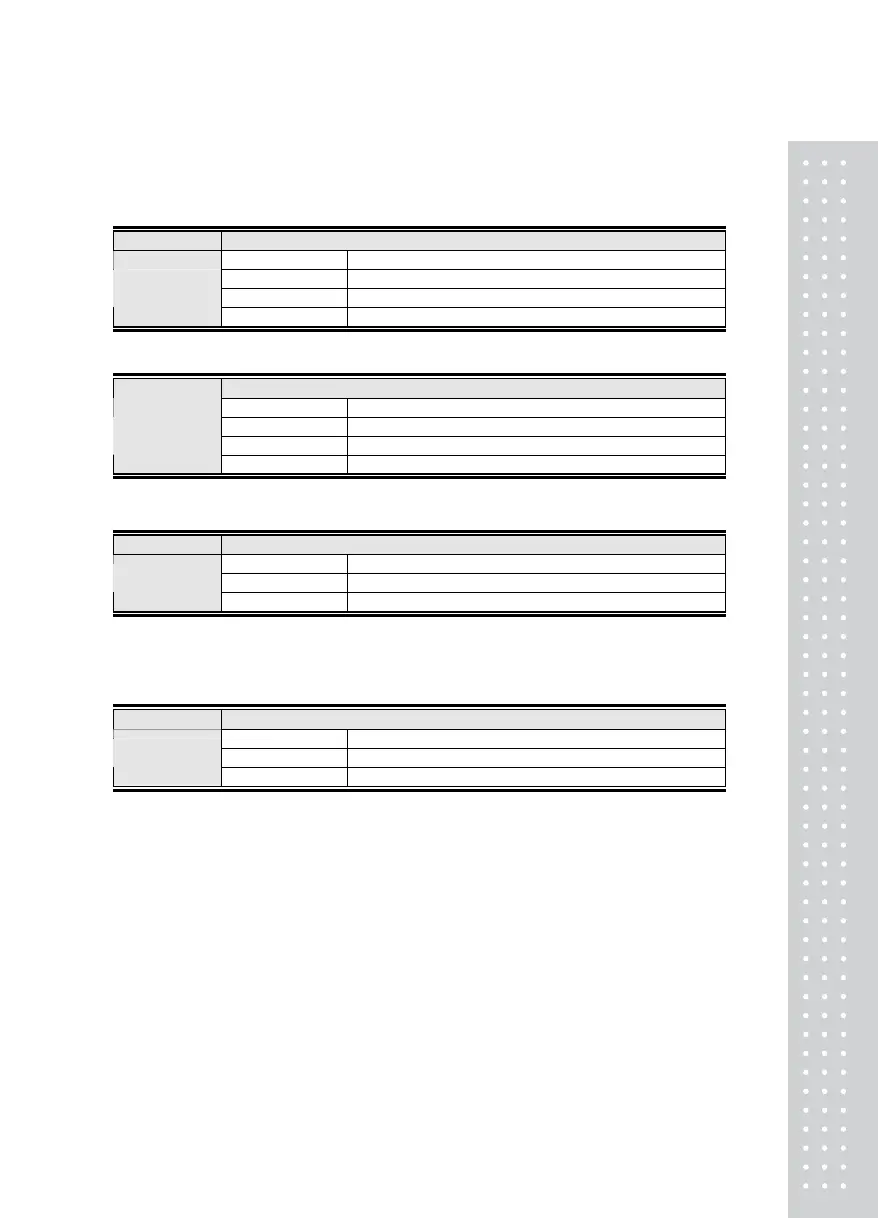
F40
Function Printer
VFD Display DESCRIPTION
F40 0 Do not use
F40 1 CAS TOP printer (P202)
Set Value
(0 ~ 2)
F40 2
CP-7000 Series Printer (CP-7000D/P, CP-7024P)
F41
Function Printer Format
VFD Display DESCRIPTION
F41 0
Print format 0
F41 1 Print format 1
Set Value
(0 ~ 2)
F41 2 Print format 2
F42
Function Automatic Print / Manual Print
VFD Display DESCRIPTION
F42 0
Manual print
Set Value
(0, 1)
F42 1 Automatic print
Ref 1. . If the automatic print is set, printing is done without pressing the print key only when the weight
condition is stable.
F43
Function Line Feed
VFD Display DESCRIPTION
F43 1
1 Line feed
Set Value
(1 ~ 9)
F43 9 9 Line feed

Table of Contents