4
Test 5
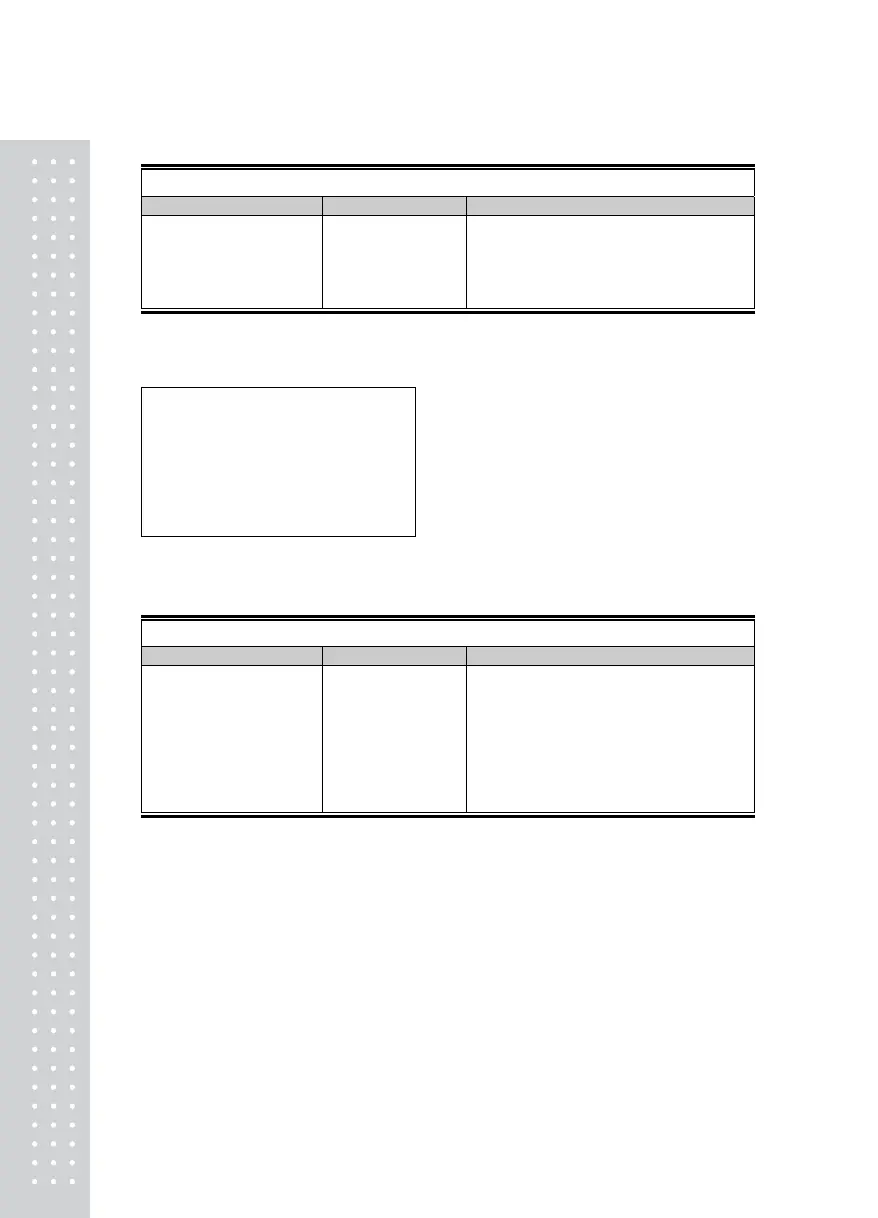
Function : Print Test(COM2)
Use Key DISPLAY DESCRIPTION
*, ENTER : Select menu
Shift
Mode
TEST 5
It means the Test Mode 5
Other key : Perform Test
Good
No error in printer
Ref 1. Specify the printer to use in the Set Mode(F40) in advance.
Ref 2. The “Good” message is displayed if the connection and specification of the printer is done correctly.
Ref 3. The Test output format of the printer is as follows.
CAS Corporation
Come And Succeed
TEL 1577-5578
Test OK
Test 6
Function : External Input/Output Test
Use Key DISPLAY DESCRIPTION
TEST 6
It means the Test Mode 6
▲,▼ : Move external output.
External input :
Display external key
*, ENTER : Select menu
Shift
Mode
In1oUt3
In1 : Press no.1 and then no.1 is inputted.
oUt3 : It indicates the external output condition.
Namely, no.3 is on.


 To Next Page