CEL-712 Microdust Pro Real-time Dust Monitor
31 Casella Measurement
Setting the span
The basic settings for span (or sensitivity) for the Microdust Pro instrument are
set at the factory using a method traceable back to a wind tunnel isokinetic
calibration using ISO12103 -1 A2 (Fine) test dust.
Each probe is supplied with its own Calibration Insert, which creates a fixed
optical scattering effect in the sampling space. This fixed reference can be used
to confirm the factory calibration point for the instrument and probe.
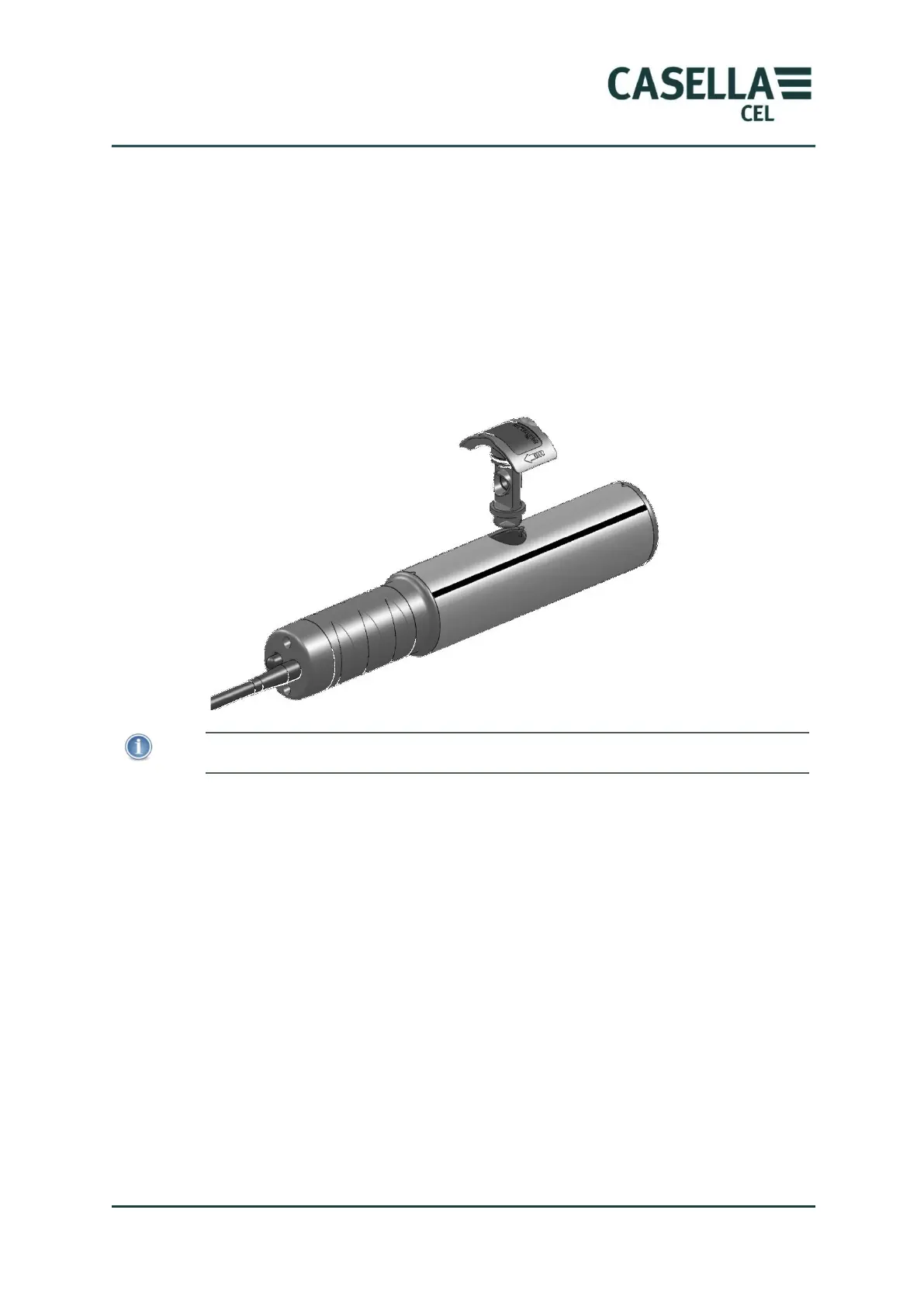
Figure 15 Span Calibration Insert
IMPORTANT
It is important to use the optical Calibration Insert which matches a specific probe.
The reference value for the Calibration Insert supplied for the probe is shown
on the label. This value should be entered within the Microdust using the
‘Span Ref.’ icon within the Calibration menu.
Fit the Calibration Insert into the probes measurement chamber with the arrow
pointing towards the probe’s handle as shown in Figure 15. Now perform the
Span calibration sequence as shown in Figure 16. There is an automatic delay
after you press the Yes soft key to start the calibration, this allows the reading
to stabilise.
It should be noted that the dust value displayed during Span calibration uses
the Default dust type setting. If a customised Dust type span factor is being
used, the factor will be applied to the concentration values shown in the
measurement screens.
After successful calibration, the display should show a reading within ± 2 digits
of the value shown on the Calibration Insert. This confirms that the default
factory-set sensitivity of the instrument has been achieved.



 To Next Page