E-23
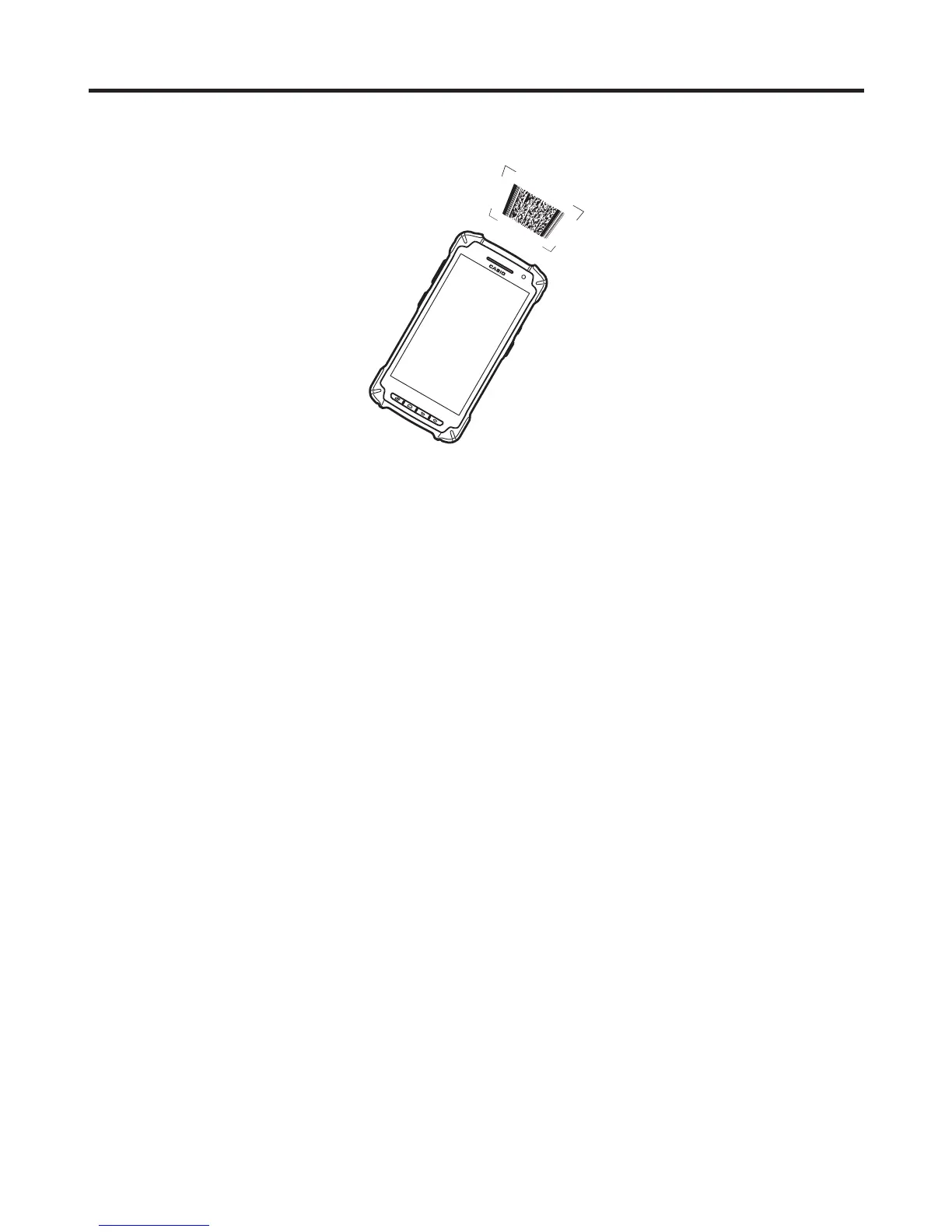
Using the C-MOS Imager
1. Turn on the Smart Device, position its C-MOS Imager reader port near the bar code or
2D code, and then press the trigger key.
2. The LED lights and the imager reads the bar code or 2D code.
If reading is completed successfully, the notifi cation LED lights blue and the read tone
sounds.
Important!
• If you have problem not properly reading a code, change the angle and/or the
distance between the code and the Smart Device and try reading it again.
• A bar code can be read from a distance of 50mm to 400mm. The actual reading
distance depends on the symbology and the resolution.
• Soiling on the imager’s reader port may prevent successful reading. Should the
reader port become dirty, wipe it clean with a soft and dry cloth.



 To Next Page
 Loading...











