PLAYBACK
E-103
Enlarging the Playback Image
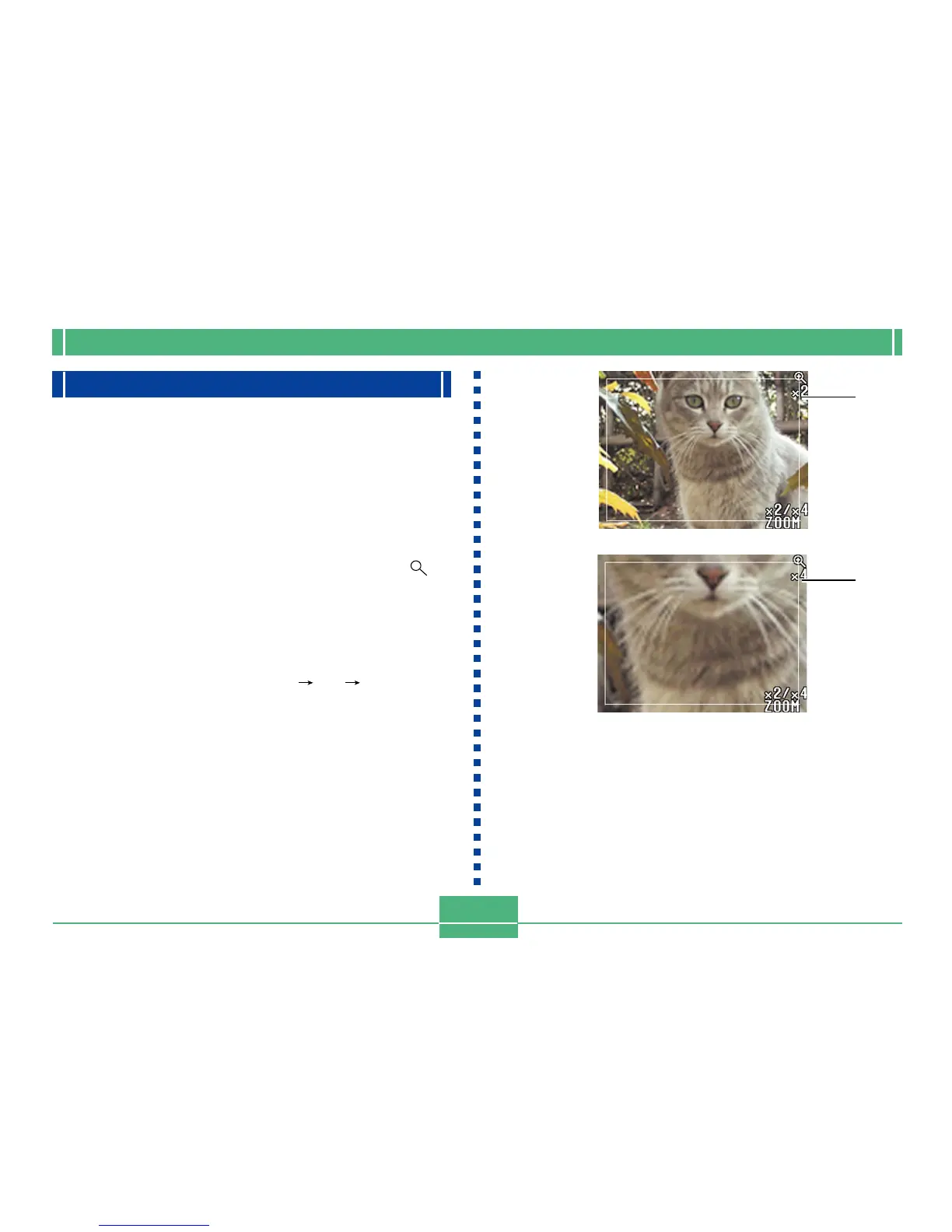
Use the following procedure to enlarge the playback image
on the screen. You can select either 2X or 4X enlargement.
1.
Align the POWER/Function Switch with PLAY.
2.
Use [] and [] to display the image you want
to enlarge.
3.
Slide the zoom slider towards T(TELE) to
zoom in on the image.
• Operating the zoom slider sometimes causes a crop-
ping boundary (page E-109) to appear in the image.
4.
Each operation of the zoom slider change the
zoom factor as follows: 1X 2X 4X.
• The following describes operations that are available
while an enlarged image is on the playback screen.
2X
4X



 To Next Page