8.
Slide the
9.
After mounting, reconnect the coaxial cable input and Ethernet connection.
10.
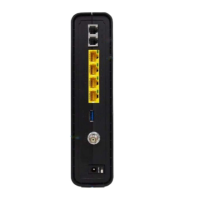
Plug the power cord into the +12VDC connector on the gateway and the
11.
Route the cables to avoid any safety h
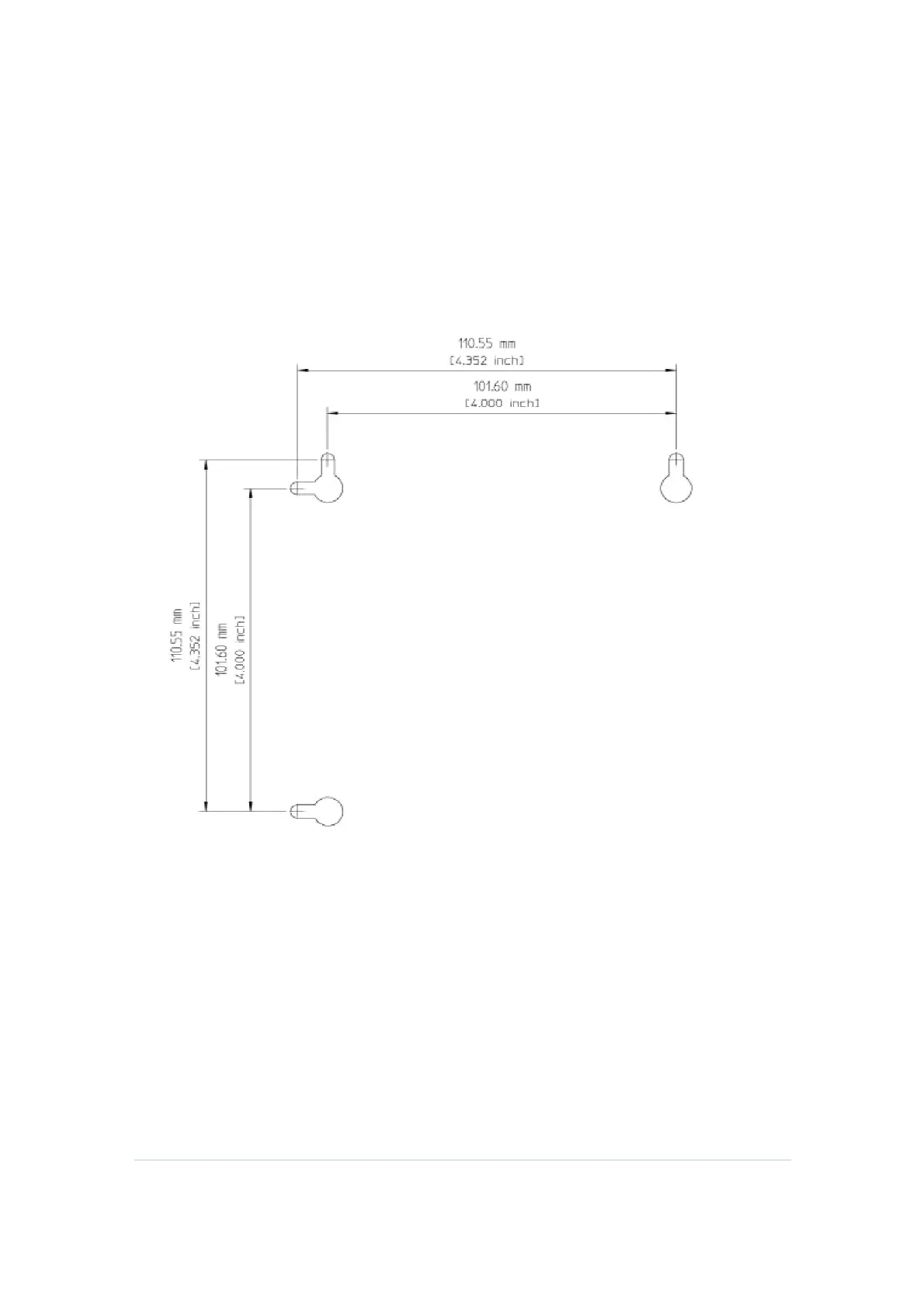
Wall Mounting Template
Setting Up Internet Access
retrieve an IP address for your computer’s network interf
following options:
•
Retrieve the statically defined IP address and DNS address
•
Automatically retrieve the IP address using the Network DHCP server
E down
until it stops against the top of the keyhole opening.
After mounting, reconnect the coaxial cable input and Ethernet connection.
Plug the power cord into the +12VDC connector on the gateway and the
Route the cables to avoid any safety h
azards.
Figure 1 Wall Mounting Template
Setting Up Internet Access
CH6643
E, check that you can connect to the Internet. You can
retrieve an IP address for your computer’s network interf
Retrieve the statically defined IP address and DNS address
Automatically retrieve the IP address using the Network DHCP server
15
until it stops against the top of the keyhole opening.
After mounting, reconnect the coaxial cable input and Ethernet connection.
Plug the power cord into the +12VDC connector on the gateway and the
E, check that you can connect to the Internet. You can
Automatically retrieve the IP address using the Network DHCP server


 To Next Page