58
example: http://x.x.x.x:8080. Whereas you can get IP address from GATEWAY-
BASIC-SETUP section.
10.Help
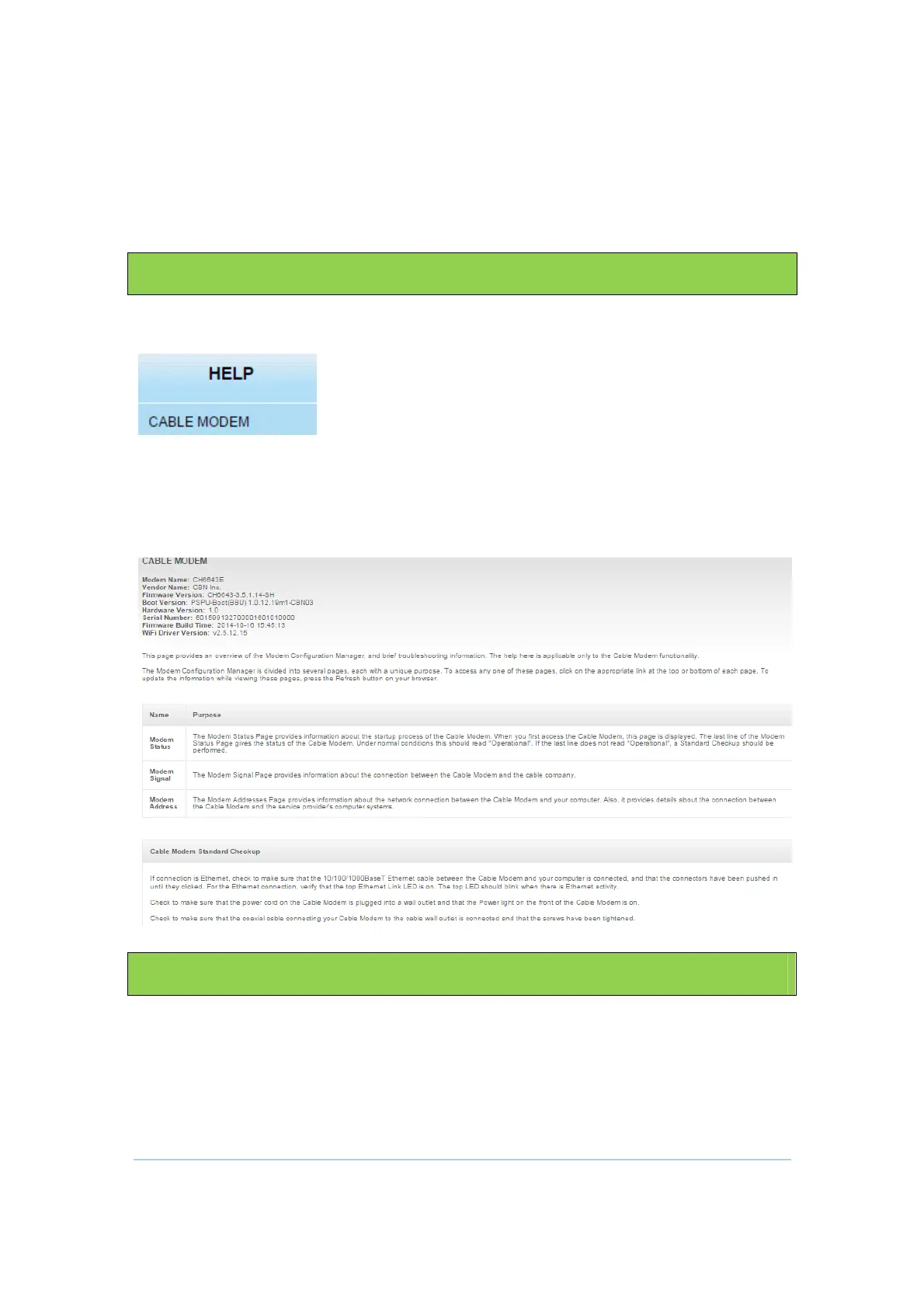
Click any HELP submenu option to view the status information for that option.
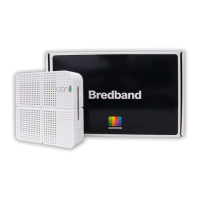
HELP Cable Modem Section
This section provides some important and useful information about CH6643E, including
modem name, firmware version, serial number and Wi-Fi driver version.
11.Trouble Shooting
If the solutions listed here do not solve your problem, contact your service provider.
Before calling your service provider, try pressing the Reset button on the rear panel of the
CH6643E. Please note, if you press the Reset button, you will lose all your custom
configuration settings, including Firewall and Advanced settings. Your service provider
may ask for the front panel LED status; see Front-Panel LEDs and Error Conditions.


 To Next Page