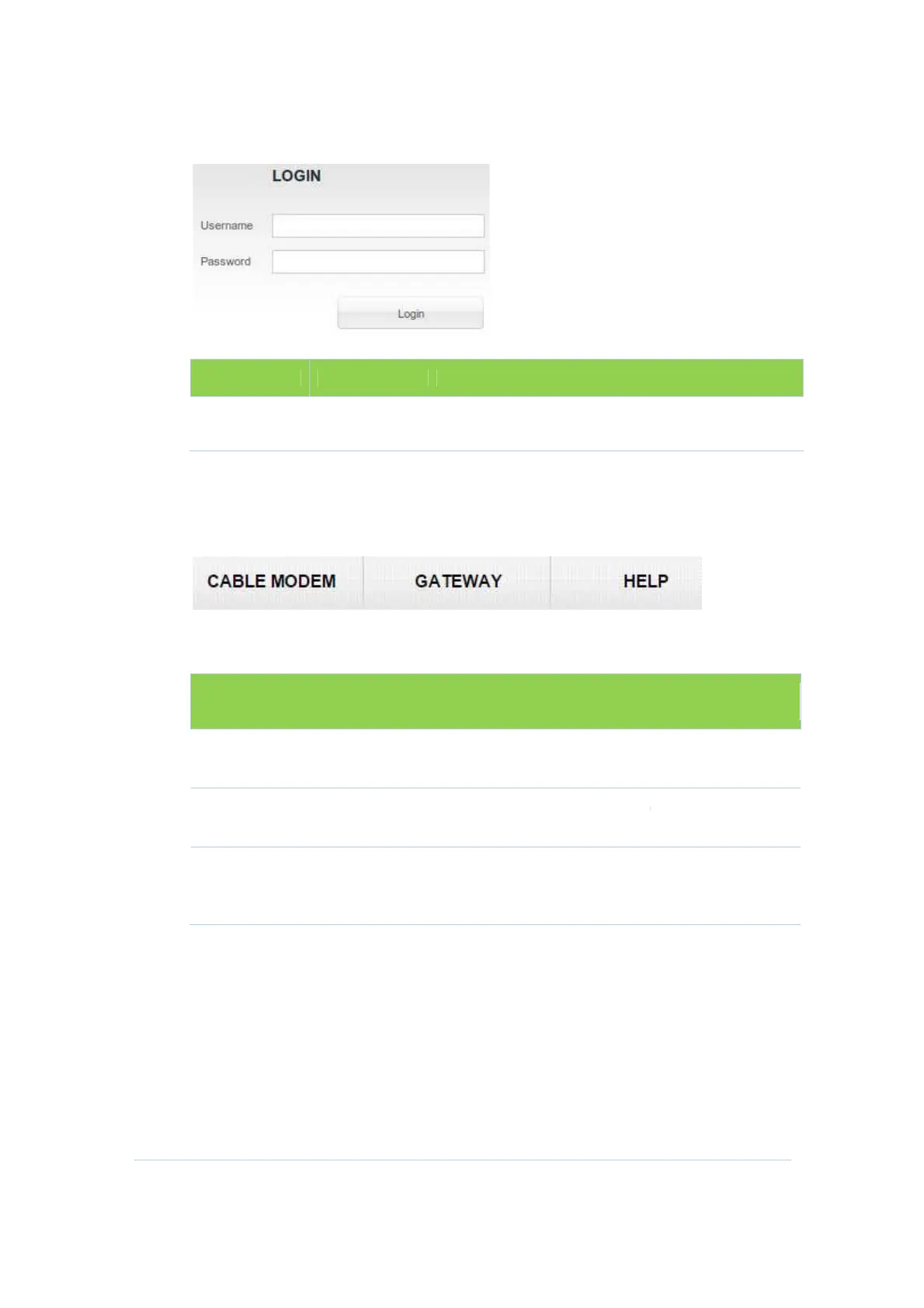
There are is a
default privileged account in
Username
admin
CH6643E
The CH6643E
Menu Options bar is displayed at the top of the
Configuration Manager window.
Configuration Manager Menu Options Bar
Menu Option
Sections
CABLE MODEM
GATEWAY
HELP
default privileged account in
CH6643E:
Password Privilege
admin
Menu Options bar is displayed at the top of the
Configuration Manager window.
Configuration Manager Menu Options Bar
Function
The Cable Modem section
Status, Signals, Logs and Addresses.
The Gateway section
s contain information about LAN,
Firewall, Wireless configuration, and etc.
This section
provides an overview of the Modem
Configuration Manager, and brief troubleshooting
information.
20
sections
Menu Options bar is displayed at the top of the
CH6643E
about
s contain information about LAN,
provides an overview of the Modem
Configuration Manager, and brief troubleshooting


 To Next Page