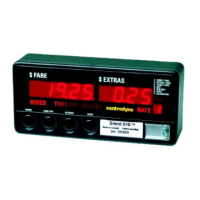
Group 9 Password Entry/Edit
When this option is enabled, no editing of data is allowed until the correct password is entered (however,
viewing the data is permitted).
Enter the password as follows:
1. Slide SW5 to the left, press SW1 until a "9" is shown in the Rate display on the right.
2. Press SW2 to display all 0's in the Fare display.
3. Press SW4 and the digit on the right in the Fare display will flash.
4. Press SW3 to change the flashing digit to the correct value.
5. Press SW2 to move one position to the left, (the digit starts flashing)
6. Continue using the same push button sequence (SW3, SW2) until the correct password is displayed.
7. Press SW4 to enter the password into memory.
If it is accepted, the taximeter exits GROUP 9 and goes to GROUP 0. The taximeter will not accept an
incorrect password.
To edit or enter a new password
1. Enter the current password as above.
2. Return to GROUP 9, and you may now enter a new password (don't forget it).
RANGE 00000 - 99999.
10



 To Next Page