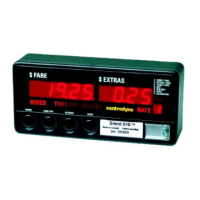
5. Drive the vehicle over a measured mile (km) and the Fare display will show the speed signal
calibration as you drive. If the taximeter does not count the speed signal pulses, the meter is not
connected properly.
6. At the end of the mile (km), stop the vehicle, press SW4 to record the displayed calibration.
7. Slide SW5 to the right and test the meter over the mile (km) for proper Fare calculation.
If the vehicle calibration is known, the calibration number may be entered using the same push-button
sequence described in Groups 1-4 Rate Programming, page 2.
Note: The taximeter will not be as accurate if you use the vehicle odometer in place of a measured mile (km).
2



 To Next Page