- 13 -
MENU TOPOLOGY
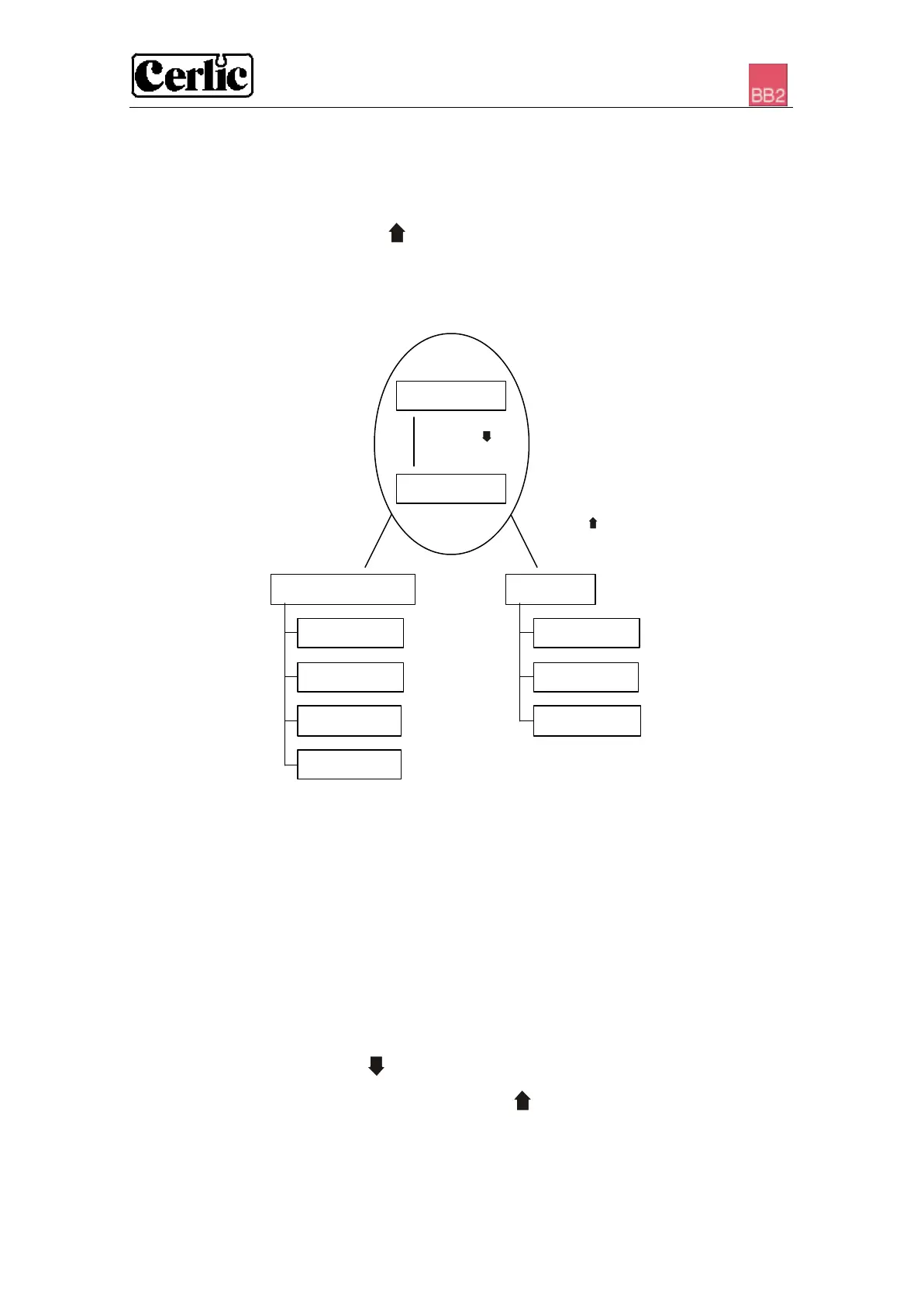
There are menus to configure BB2 and its sensors, they are divided in two branches,
each having a set of submenus:
1. BB2 menu, to make changes to the setup of the BB2 control box. It is
selected by pressing and ENTER simultaneously for five seconds.
2. Sensor menus, to make changes to each sensor’s setting, calibration,
scale or system parameters. It is selected by pressing ENTER for five
seconds.
WORKING IN THE MENUS
• A square in front of a line in the menu indicates the top of the menu.
If ENTER is pressed when this line is highlighted, the menu is ended.
• An arrow to the right Ø indicates that a submenu is displayed if ENTER
is pressed when this line is highlighted.
• Pressing ENTER on a highlighted line with an arrow to the left × will
take the user back to the previous menu.
• If there is not enough room on the screen for the menu, an arrow pointing
down Ú is shown at the end of the screen to indicate that the menu continues.
Use the button down arrow to access these additional lines.
All the menus can be ended anywhere by pressing and ENTER simultaneously to go
back to the main menu or sensor listing screen. It is not necessary to go through the
whole screen menu to get back to the main menu.
for 5 seconds
for 5 seconds
Sensor menu BB2-menu
Settings
System
Empty slot
Settings
Scale


 To Next Page