17
SETUP INSTRUCTIONS
EN
INTELECT
®
RPW 2 USER MANUAL
UNPACKING THE DEVICE
The device is generally delivered with the packaging
material supplied by the manufacturer. As the device weighs
approximately kg ( lbs), it must be unpacked by at least
persons.
Proceed as follows:
• Position the transport packaging so that the arrows
are pointing upward.
• Remove the safety bands from the transport
packaging.
• Lift o the transport packaging upward.
• Remove the remaining foam material.
• Using at least people, lift the device from the lower
packaging element.
• Inspect the device for any damages before
proceeding
Immediately upon unpacking the device, perform the
following steps:
. Verify the delivery documents to make sure that the
delivery is complete.
. Check the external components and accessories for
possible damage due to transport
. Verify that the packaging contains the following
• Intelect
®
RPW device
• Intelect
®
RPW Quick Start Guide
• USB Stick
• Pouch
• Gel Holder
• Cables Holder
• Power cord
• Conductor
™
Transmission Gel- ml (. oz) bottle
• Standard Accessory Kit that Includes the following:
» RPW Falcon Handpiece Applicator
» Projectile
» R - mm ESWT Transmitter
» D-S D-ACTOR
®
mm Transmitter
» Sealing Set
» Guide Tube
» Cleaning Brush
. Retain the original packaging. It may prove useful for any
equipment transport. Please refer to chapter to page ,
the Accessories Section for information. For information on
optional accessories.
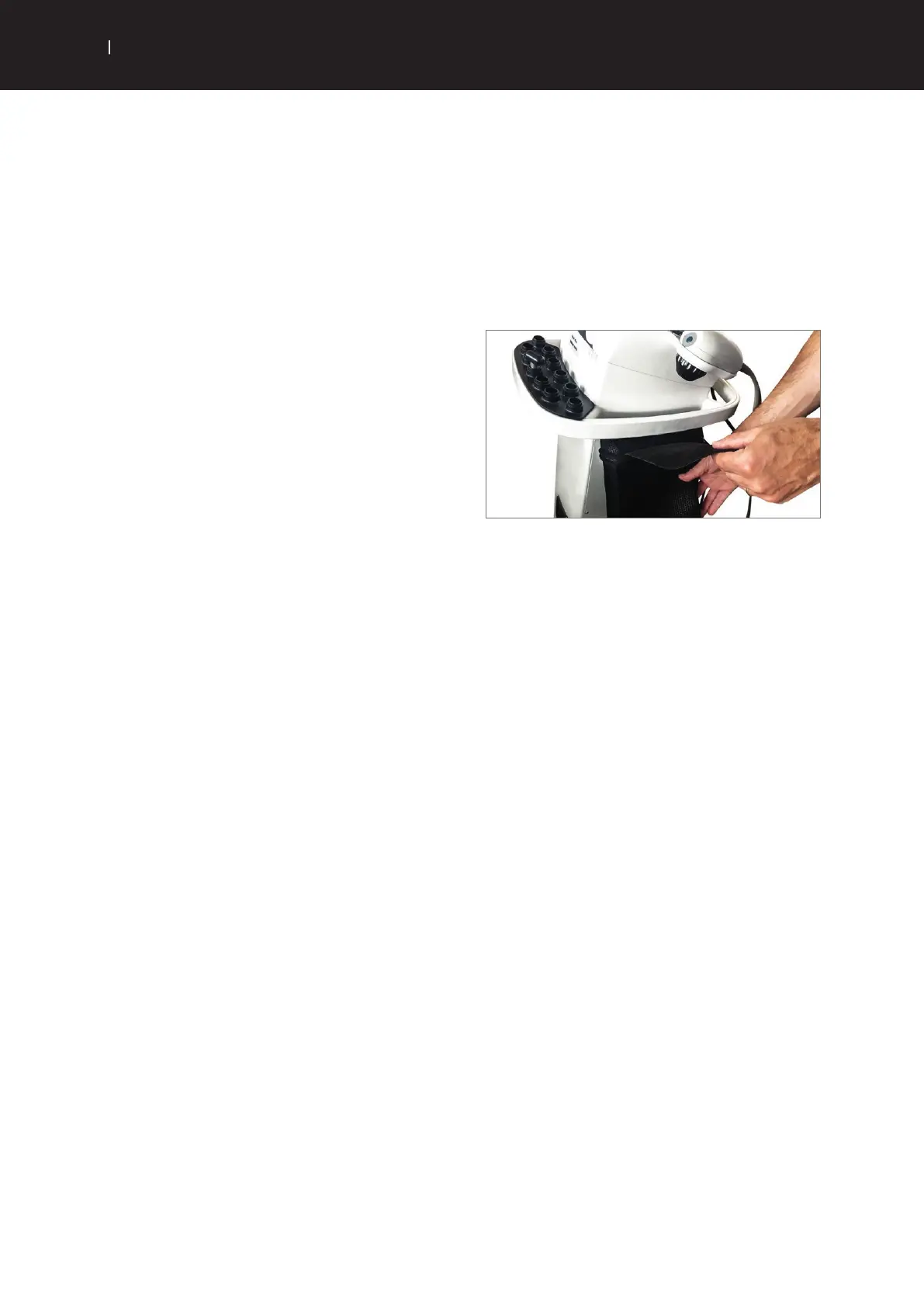
. A pouch is provided with the device. This pouch can
be attached onto the side of the device handle, useful for
accessories storage.
a. Position the pouch on the side of the device, just below
the handle rail:
b. Get the attachment textile part above the rail
c. Attach the textile part to the Velcro band located on the
back of the pouch


 To Next Page
 Loading...