21
SETUP INSTRUCTIONS
EN
INTELECT
®
RPW 2 USER MANUAL
POWERING UP THE DEVICE
Insert the power cord into the back of the device, insert the
plug into a power outlet.
Switch device on with switch on the back of the device.
Make sure the mains connector remain accessible at all
times as it can serve as an emergency switch. Turn o the
main rocker switch to completely switch o the device. For
an all-pole separation from the mains supply, disconnect
the mains plug from the socket.
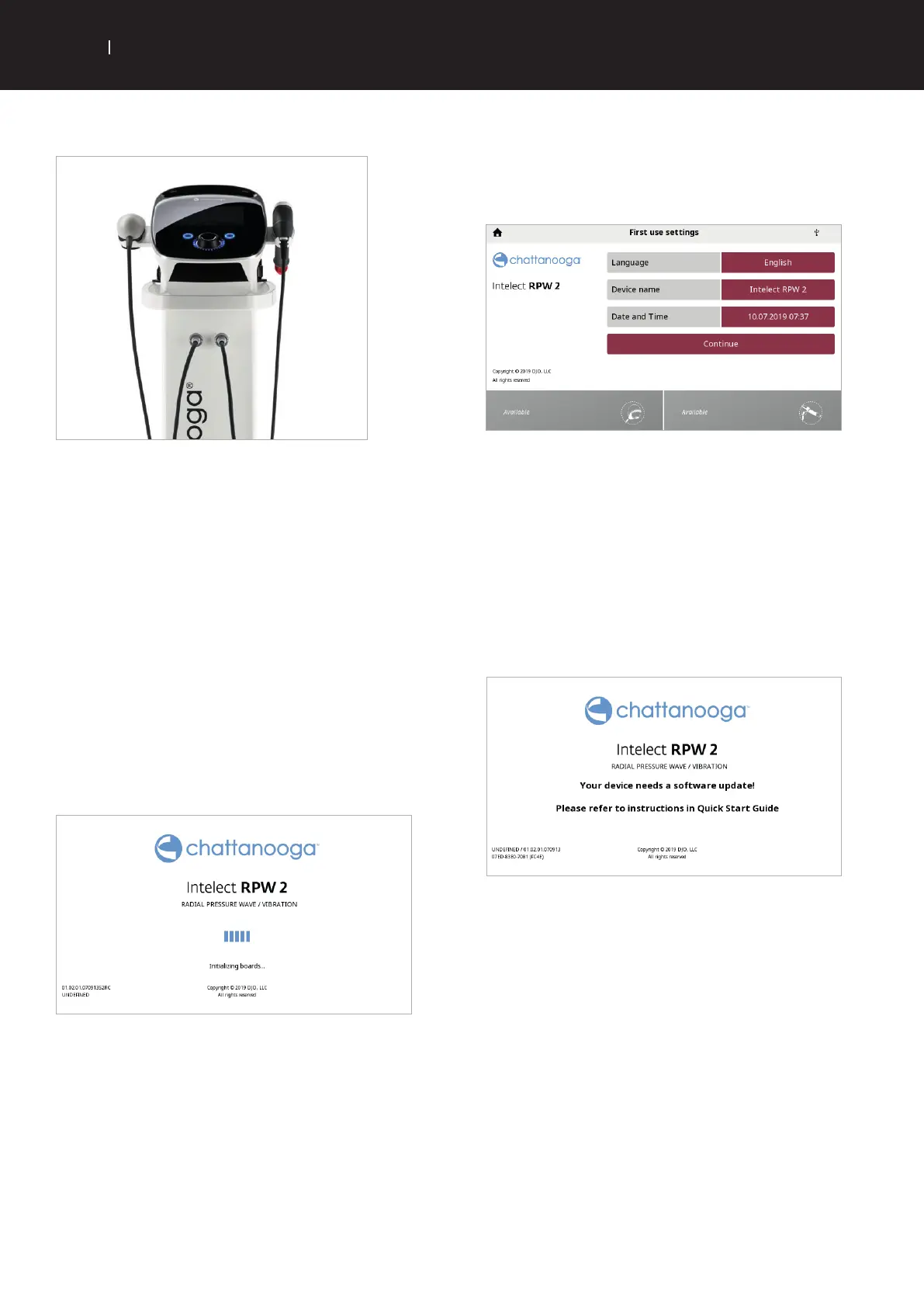
. The Initialisation screen below will be shown for a
few seconds whilst the device starts.
. The first setup screen will be displayed after this
allowing the user to set language and time in the device.
. If after this step you see the screen below, switch of
the device and follow instructions in point below. If
you do not see this screen the device is ready to use.
. Insert the supplied USB drive into USB port of device.
. Switch on the Intelect
®
RPW device. The device will
automatically detect software upgrade and install.
. Home screen will be displayed when SW update is
finished.
Important: DO NOT interrupt the process. Do not connect any other
USB device or connection other than the USB key provided by DJO.
Electrical dysfunction and device damage could happen.


 To Next Page
 Loading...